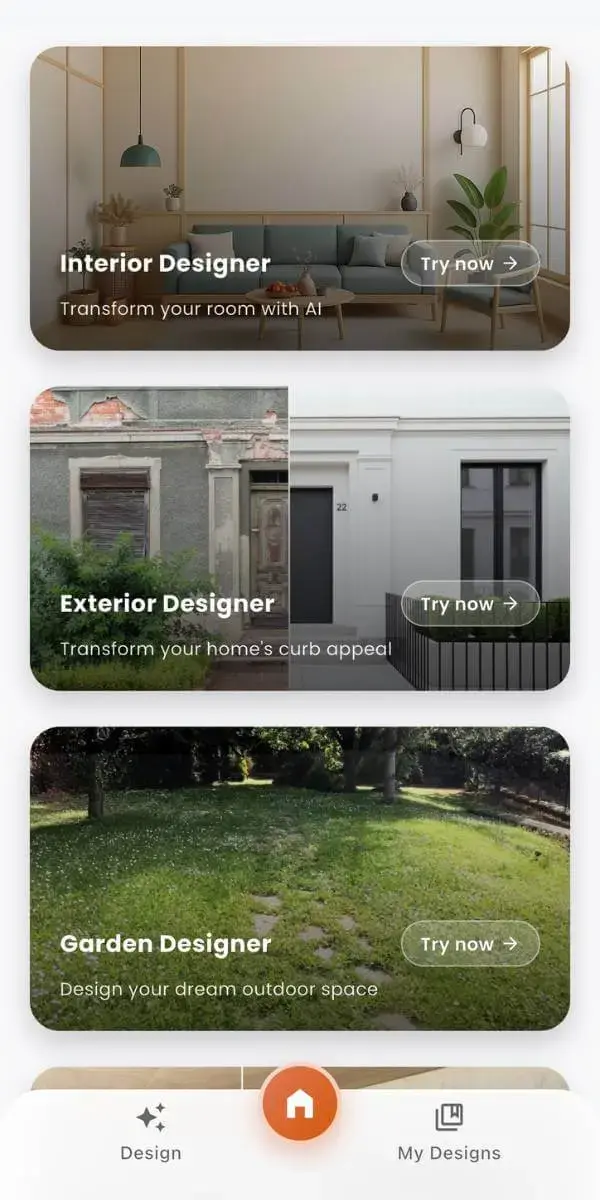
DecorAI – AI Interior Design
DecorAI is an AI interior design app that lets you upload a photo of your room and instantly generate realistic before & after designs.
- Snap a photo, pick a style, see your room transformed in 30 seconds
- 30+ premium interior styles: modern, Japandi, Scandinavian, bohemian & more
- No design experience needed — the AI handles everything


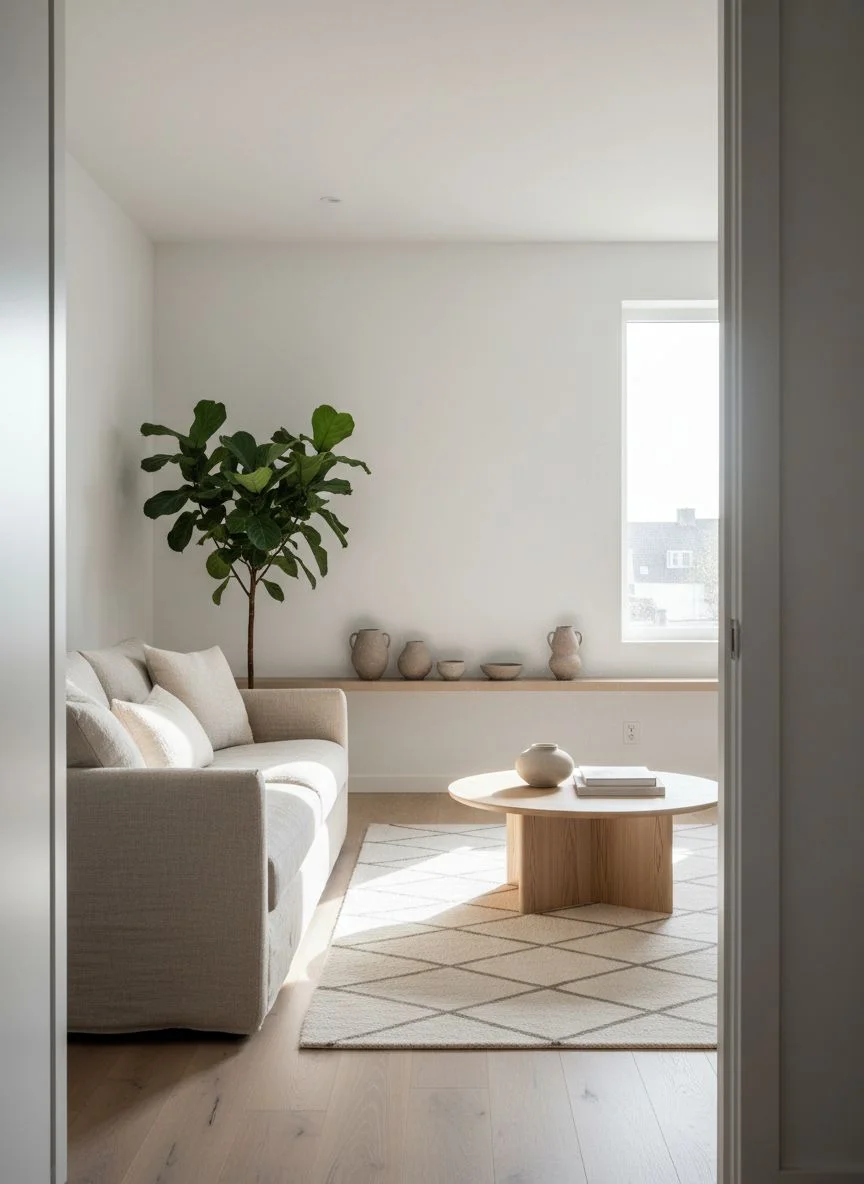
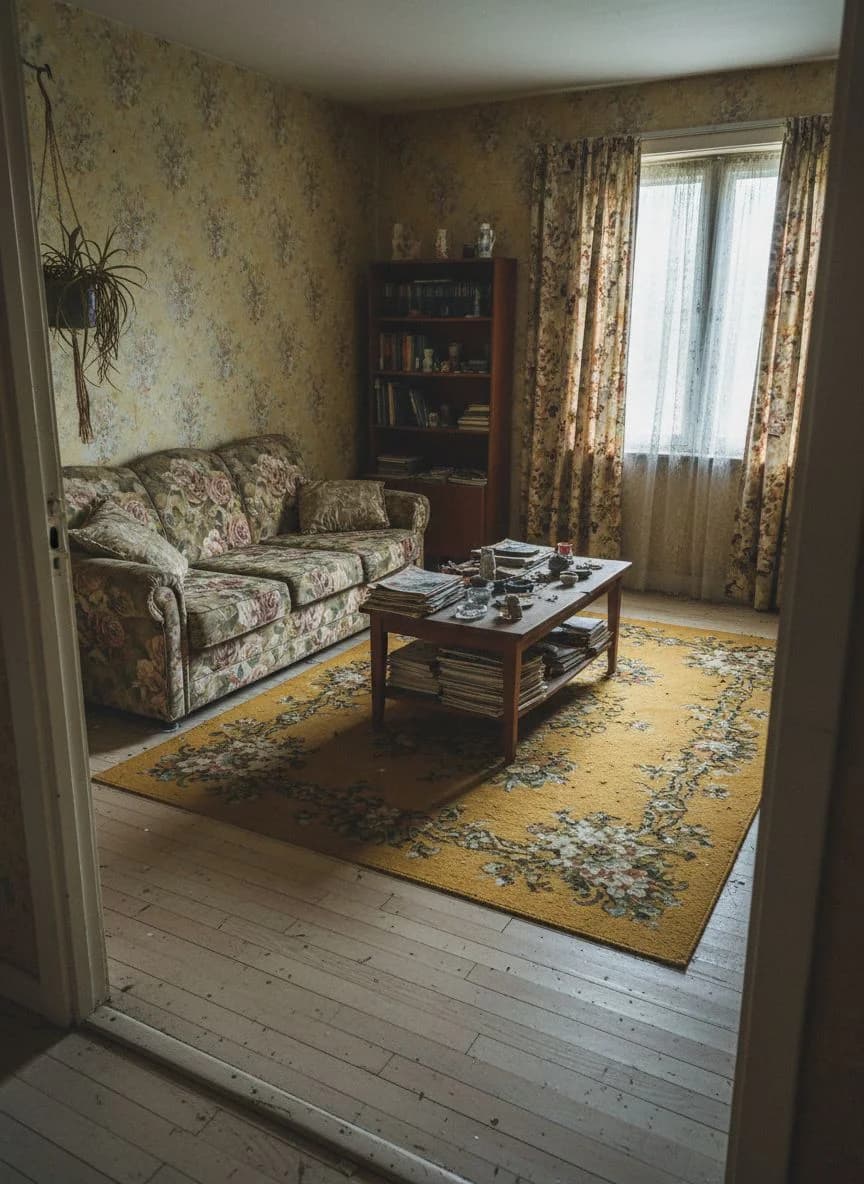
How the AI Room Design App Works
Redesign your room with AI in four simple steps. No design experience needed — just your phone and a photo.
Upload a Photo
Snap a photo of your current room from any angle.
Pick a Style
Choose from 30+ styles like modern, Japandi, or bohemian.
AI Generates Design
Our AI interior design engine transforms your room in seconds.
Save & Share
Download your high-resolution before & after room design.
AI Design for Every Room in Your Home
From your living room to your backyard, our AI decoration app redesigns every space. Visualize changes before making any commitment.
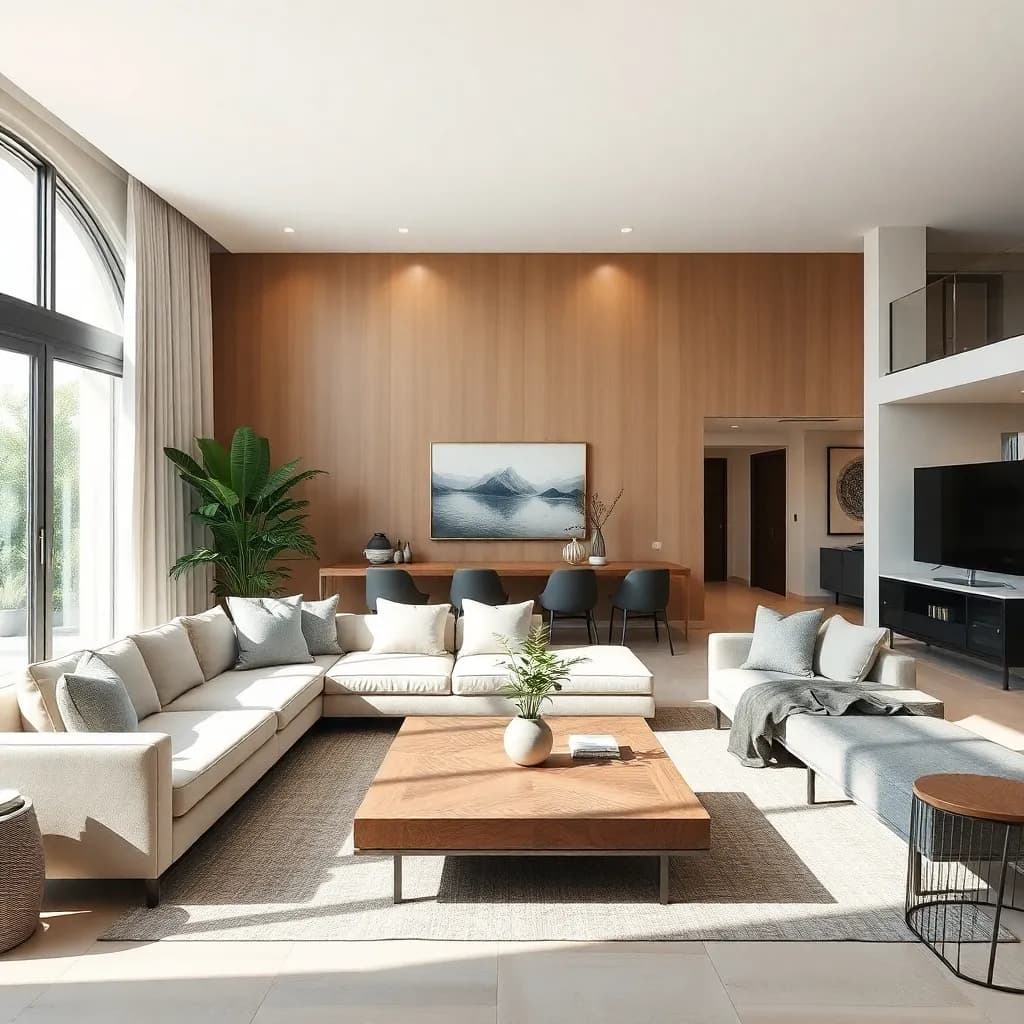
Living Room
Use ai living room design to try new layouts, color palettes, and furniture styles on your actual space in seconds.
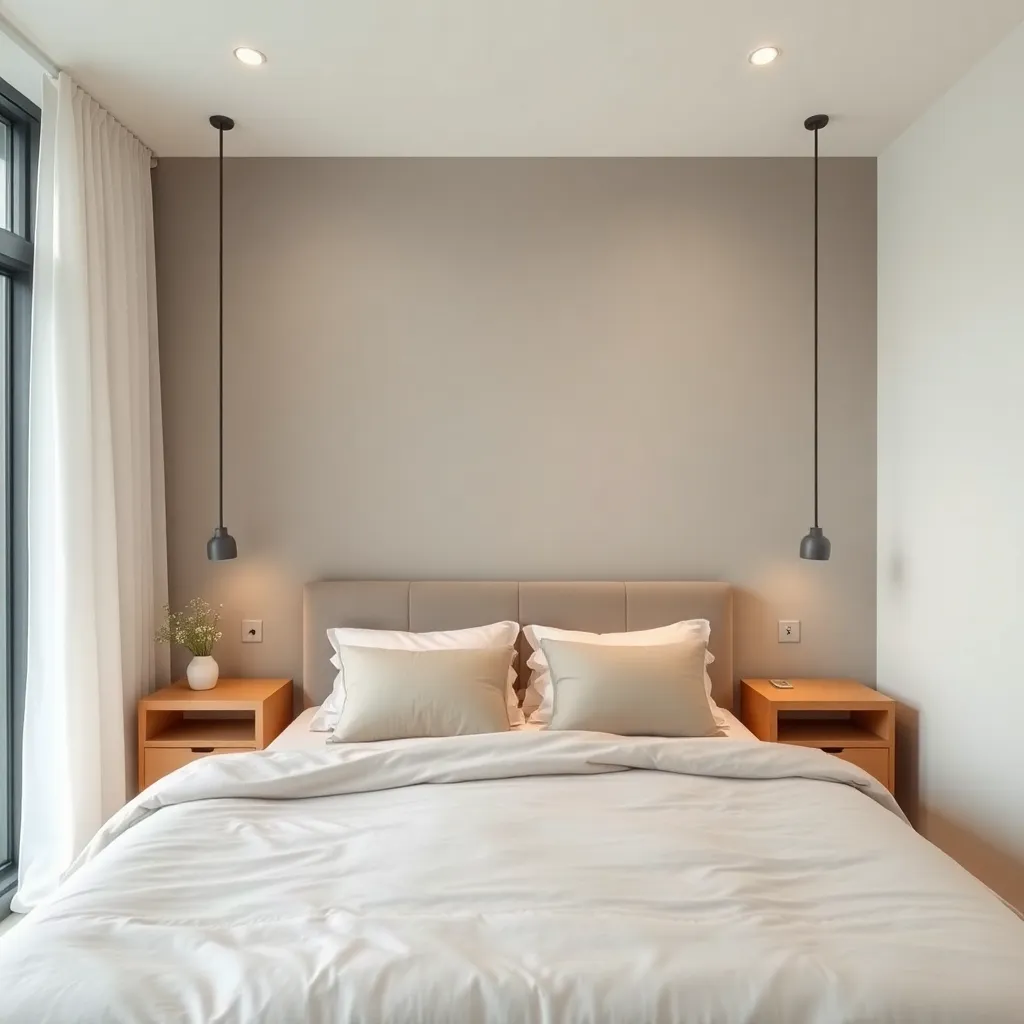
Bedroom
Explore calming retreats with ai design bedroom tools that suggest headboards, lighting, and cozy textures for better sleep.
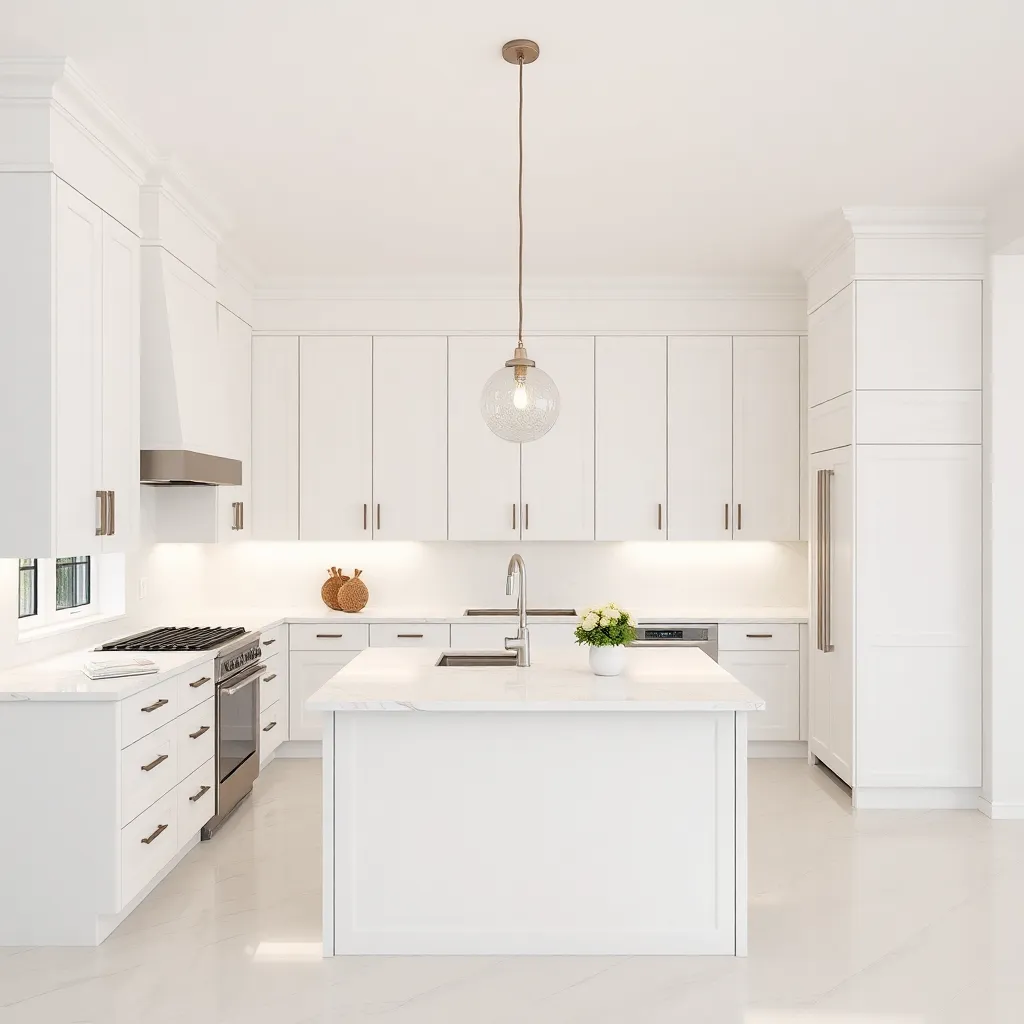
Kitchen
Plan your dream renovation with ai design kitchen features that visualize new cabinets, countertops, and backsplash materials.
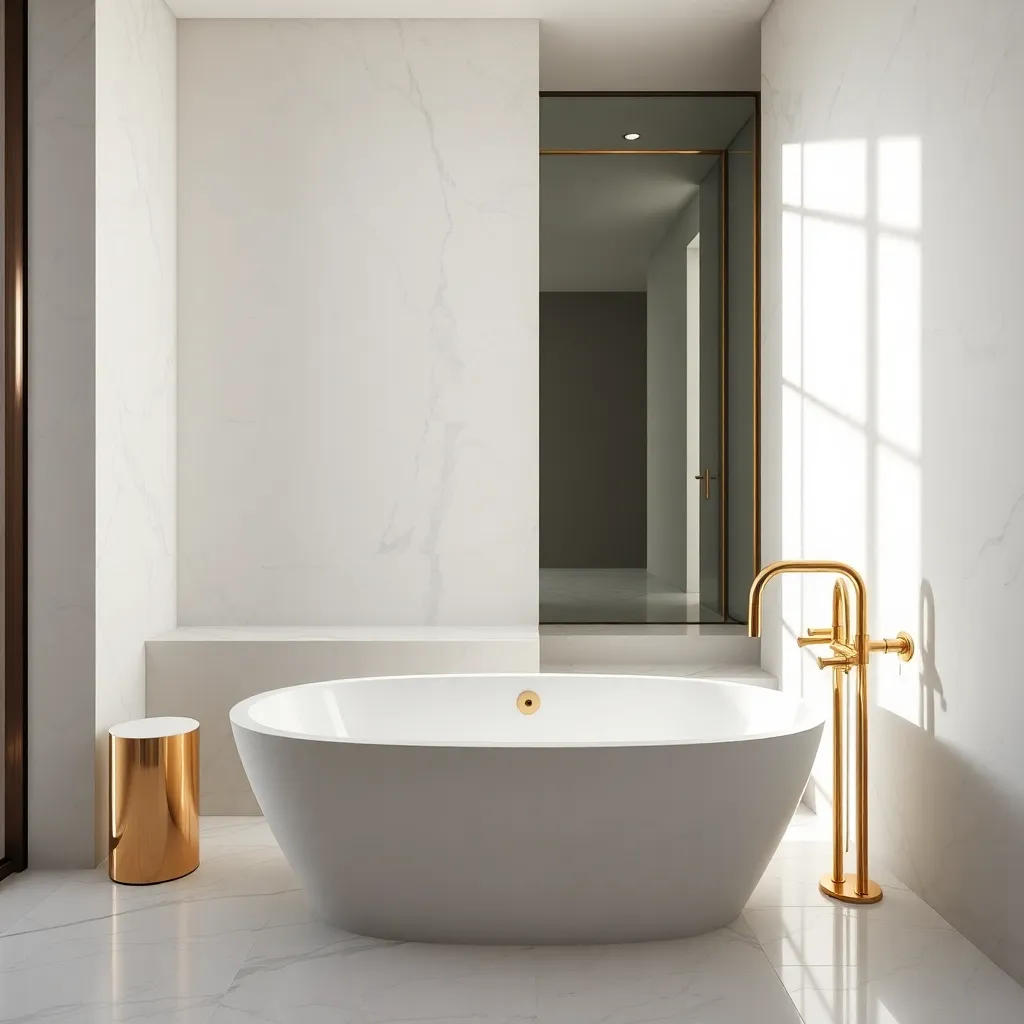
Bathroom
See your next upgrade before you commit. Our ai bathroom remodel tool shows realistic tile, fixture, and vanity options.
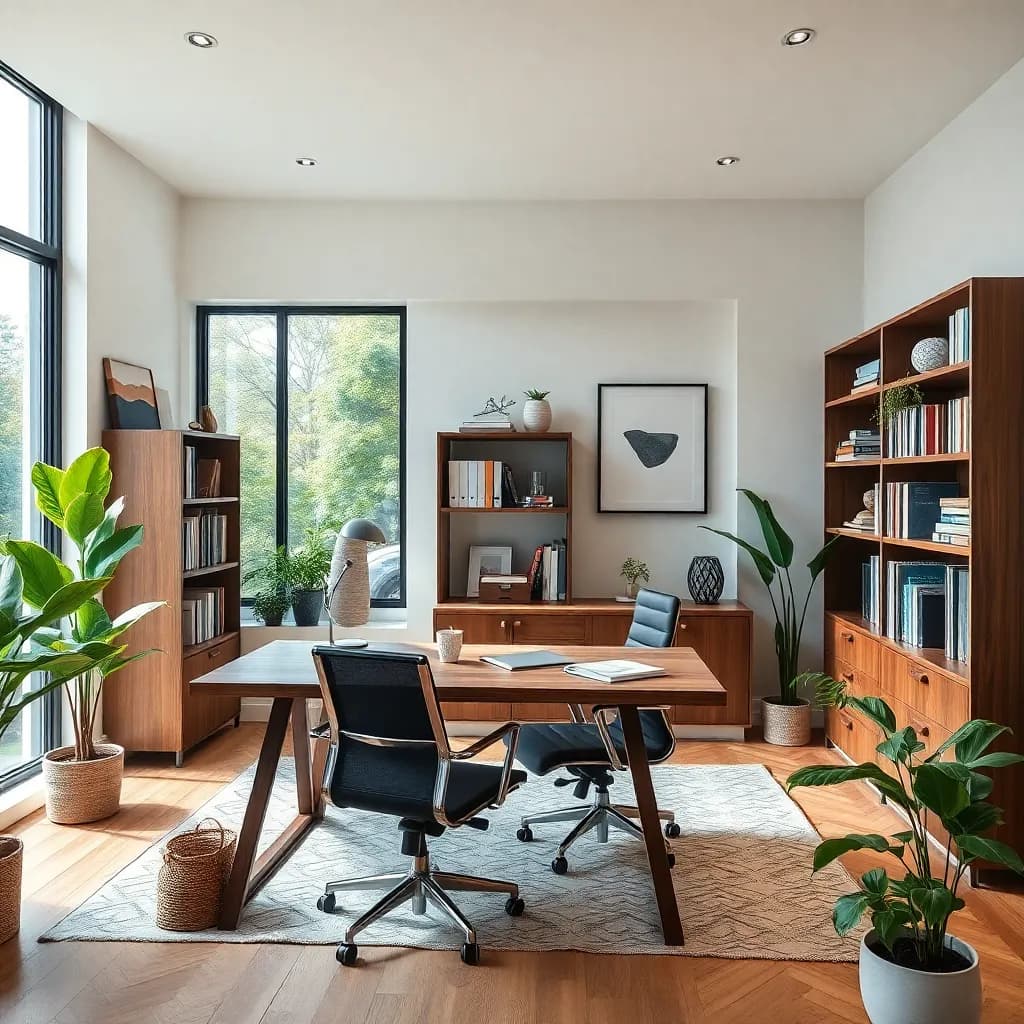
Home Office
Create a productive workspace with ai design home office ideas including built-in shelving, desk layouts, and ambient lighting.
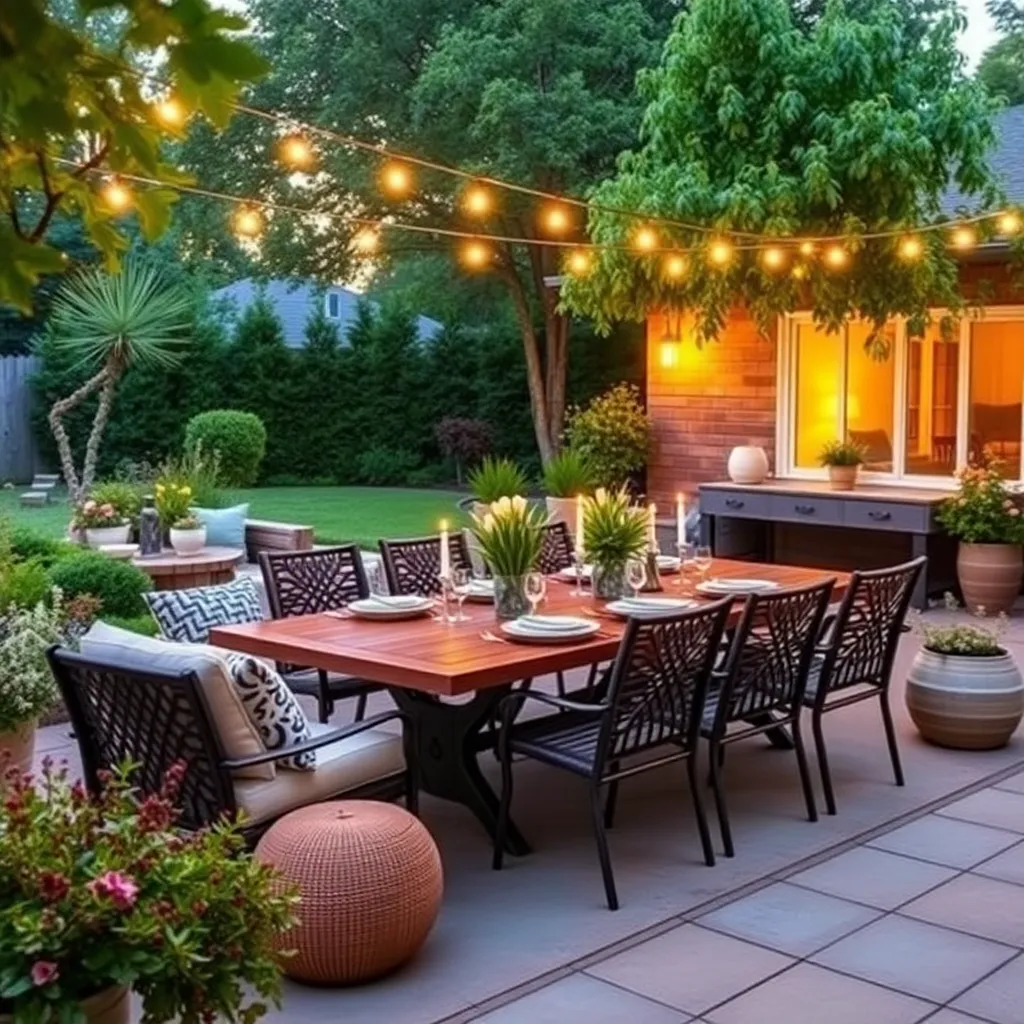
Backyard
Transform your outdoor area with ai design backyard concepts like patios, fire pits, pergolas, and lush landscaping plans.
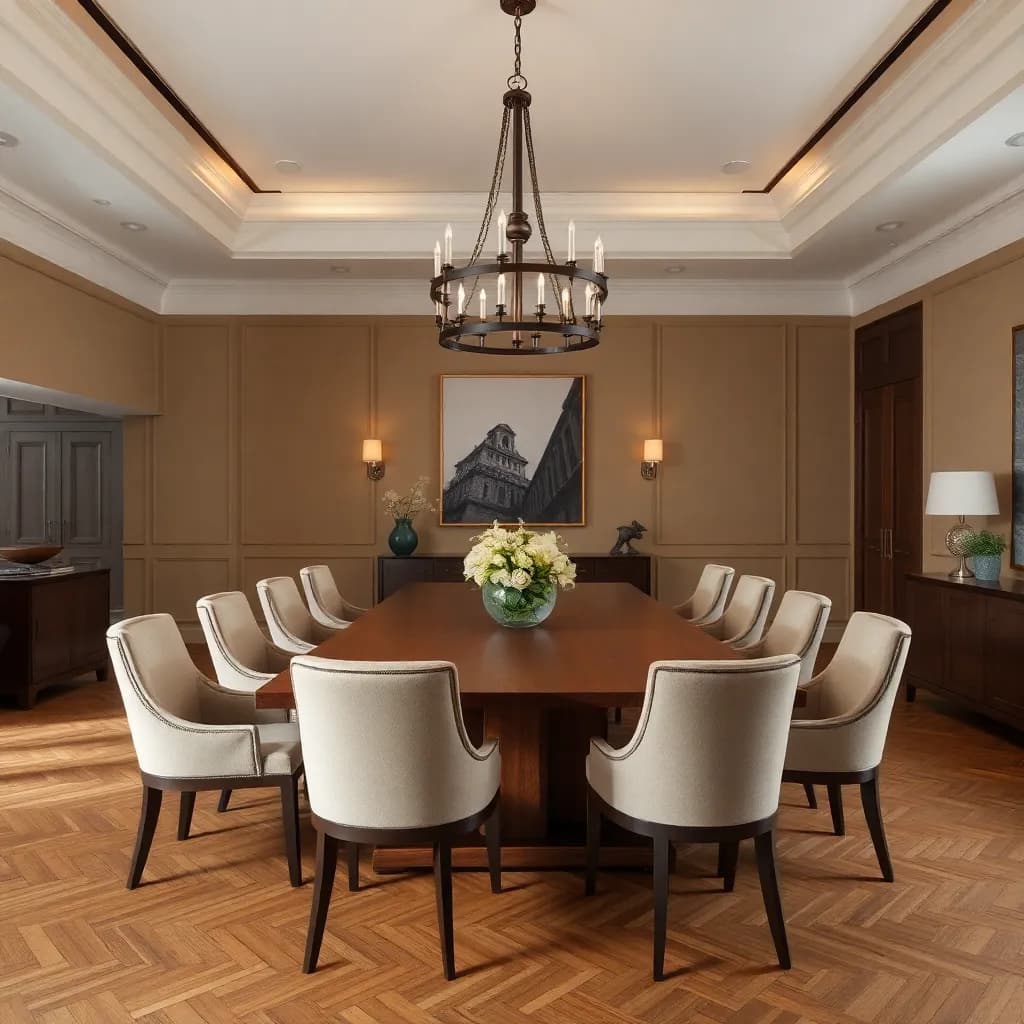
Dining Room
Host in style using ai room design to explore dining tables, statement lighting, and wall decor that bring people together.
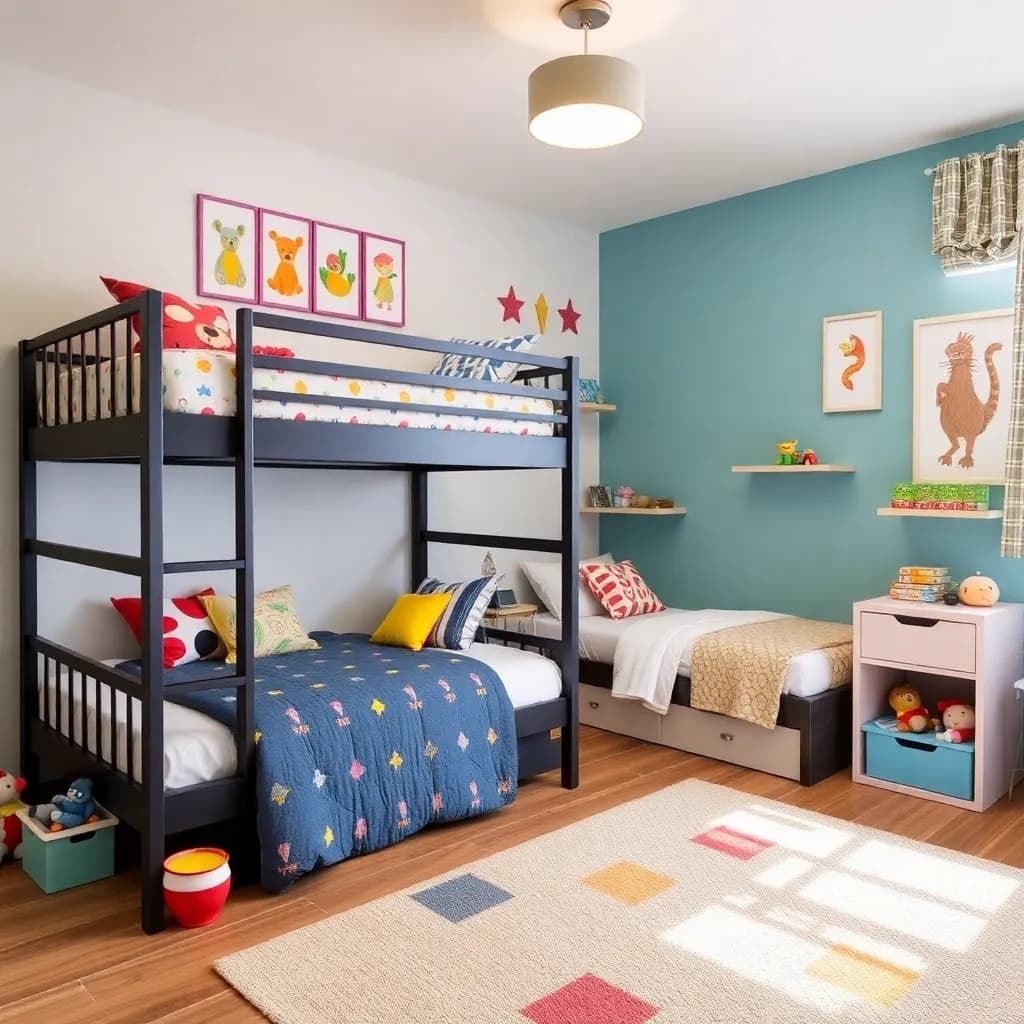
Kids Room
Design playful and functional spaces with our ai decoration app. Try themed rooms, bunk bed layouts, and smart storage solutions.

Exterior
Boost your curb appeal with ai design exterior tools that preview new paint colors, siding materials, and front door styles.
Before & After AI Room Transformations
See how DecorAI transforms real rooms with AI interior design. Upload a photo and get a realistic redesign in seconds — no design skills needed.
BeforeAfterWho Is This AI Interior Design App For?
DecorAI is built for anyone who wants to see how their space could look before making changes. No design background required.
Homeowners
Plan your dream renovation with confidence. See exactly how new styles look in your rooms before spending a penny.
Renters
Visualize furniture layouts and decor changes without painting a wall. Find the perfect arrangement for your space.
Real Estate Agents
Virtually stage empty rooms to attract more buyers. AI staging is faster and more affordable than traditional staging.
Design Enthusiasts
Explore your creative ideas freely. Try 30+ design styles on any room and discover what speaks to you.
Explore 30+ AI Interior Design Styles
Our AI interior style library is updated regularly with trending designs. From minimalist Japandi to bold industrial, find the perfect look for your dream room.
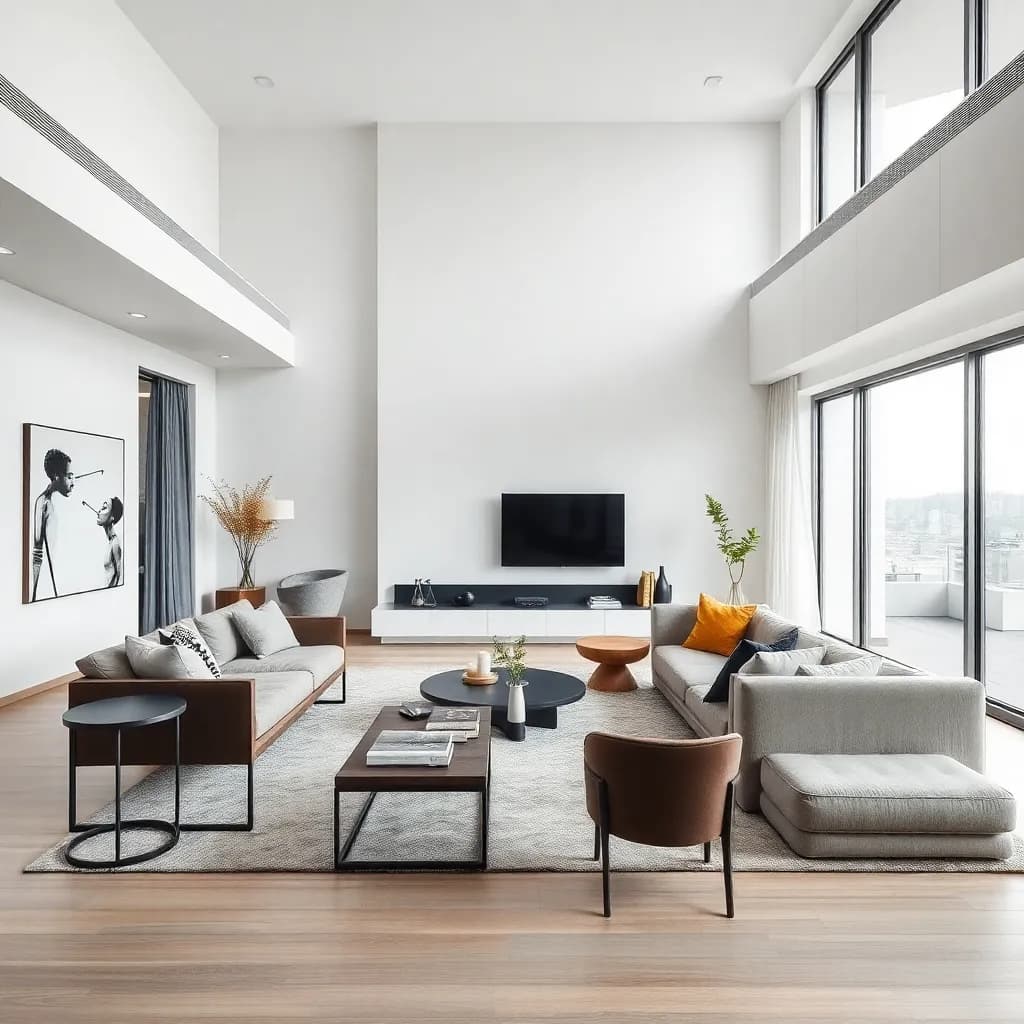
Modern
Clean lines and contemporary elegance
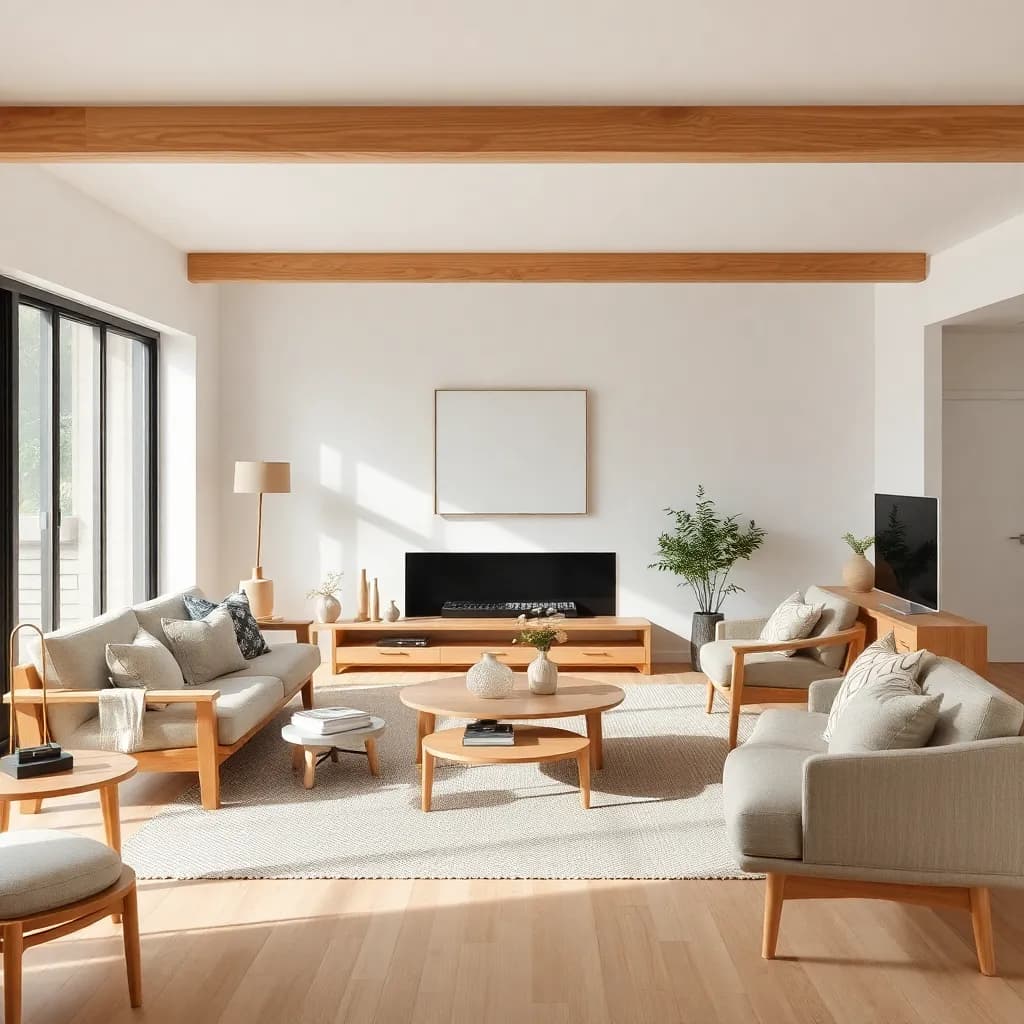
Japandi
Japanese minimalism meets Scandinavian warmth
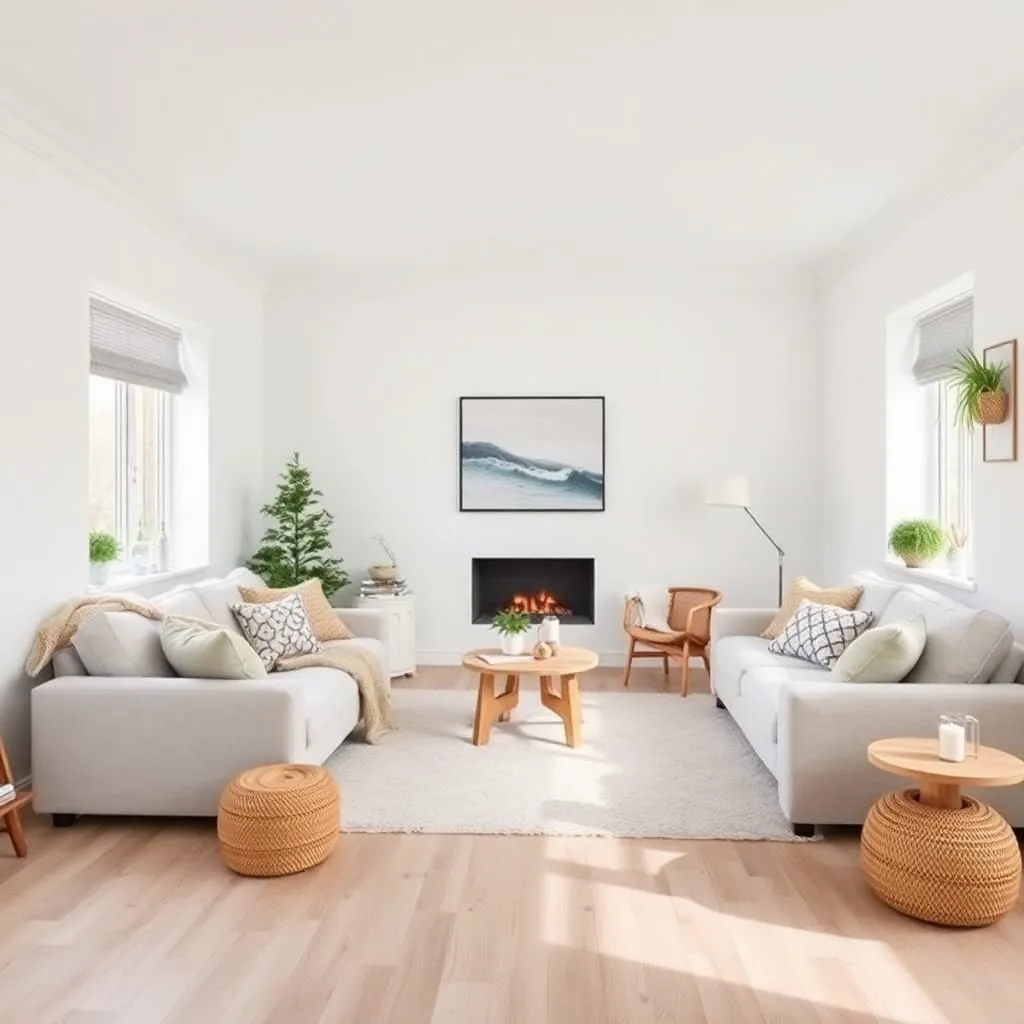
Scandinavian
Light, airy, and effortlessly cozy
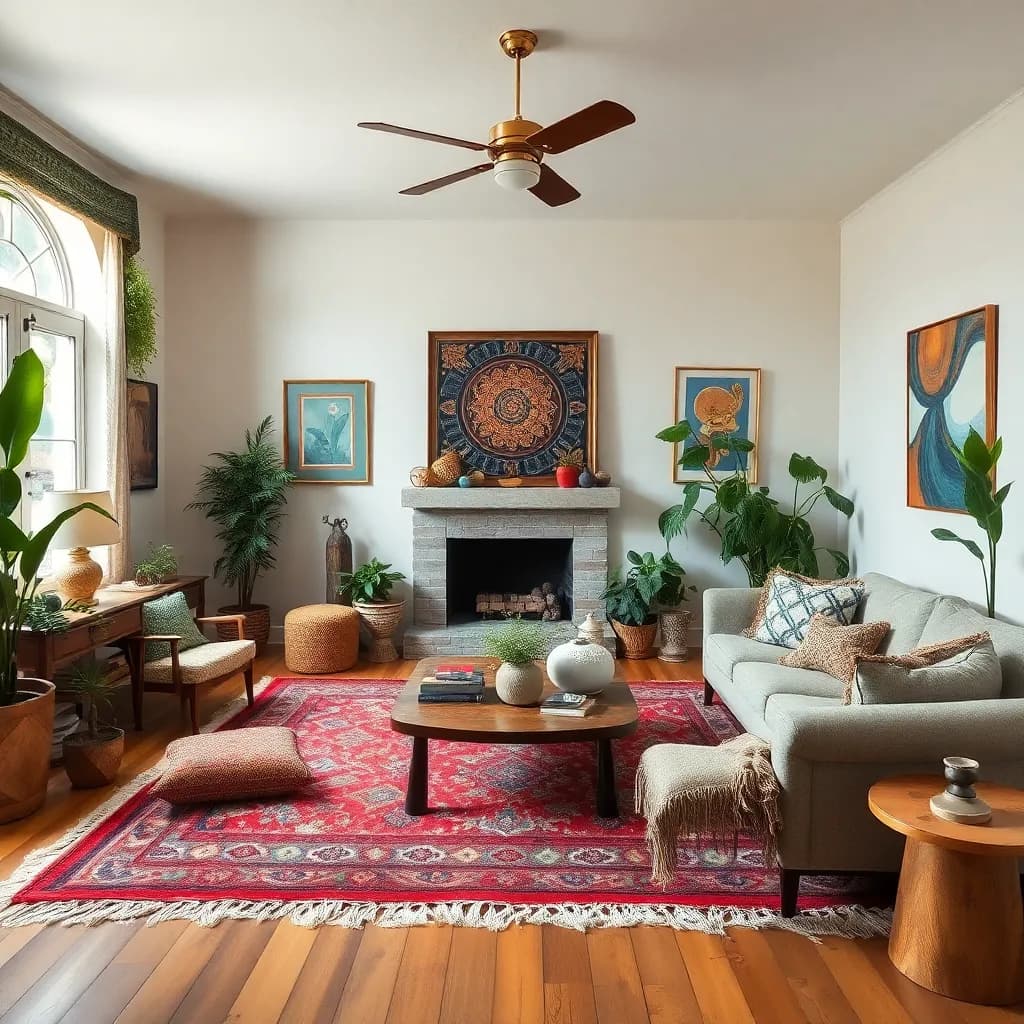
Bohemian
Free-spirited and layered with personality
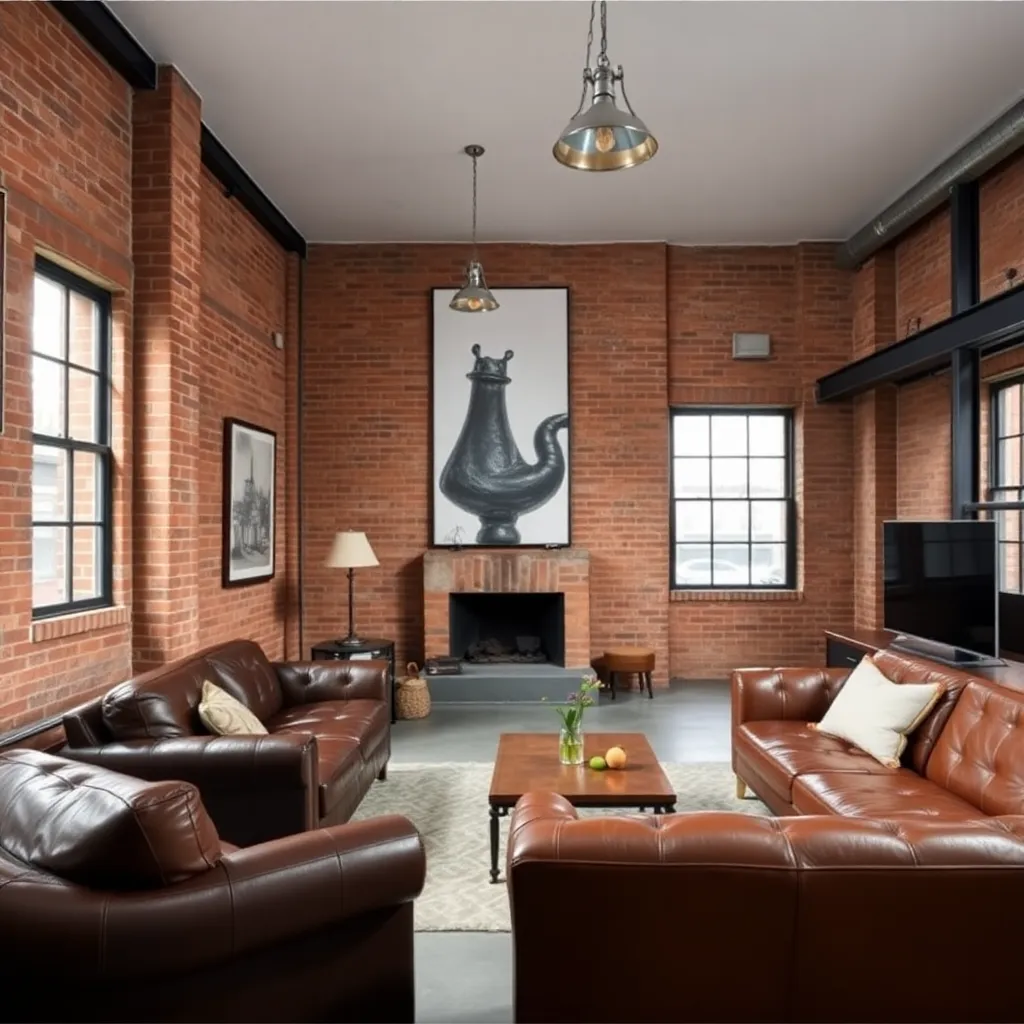
Industrial
Raw materials with urban character
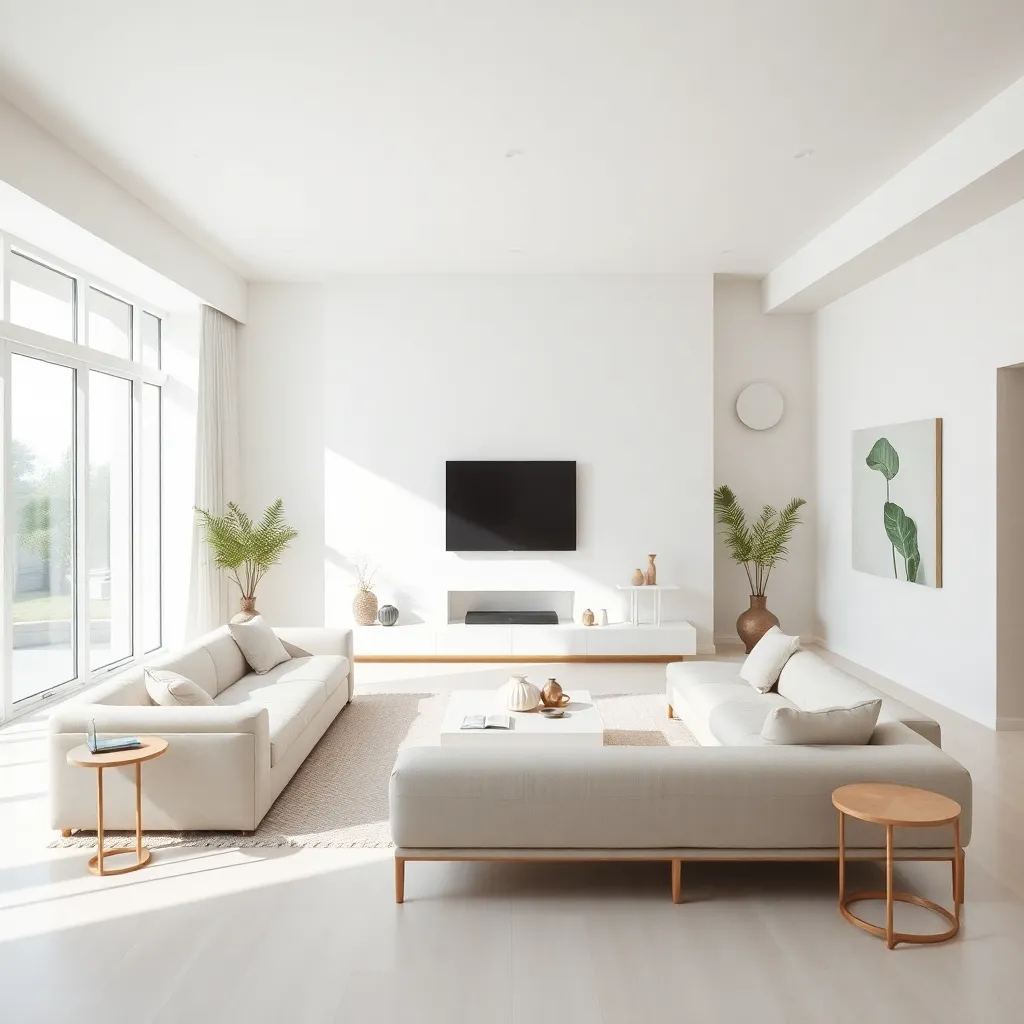
Minimalist
Less is more, beautifully curated
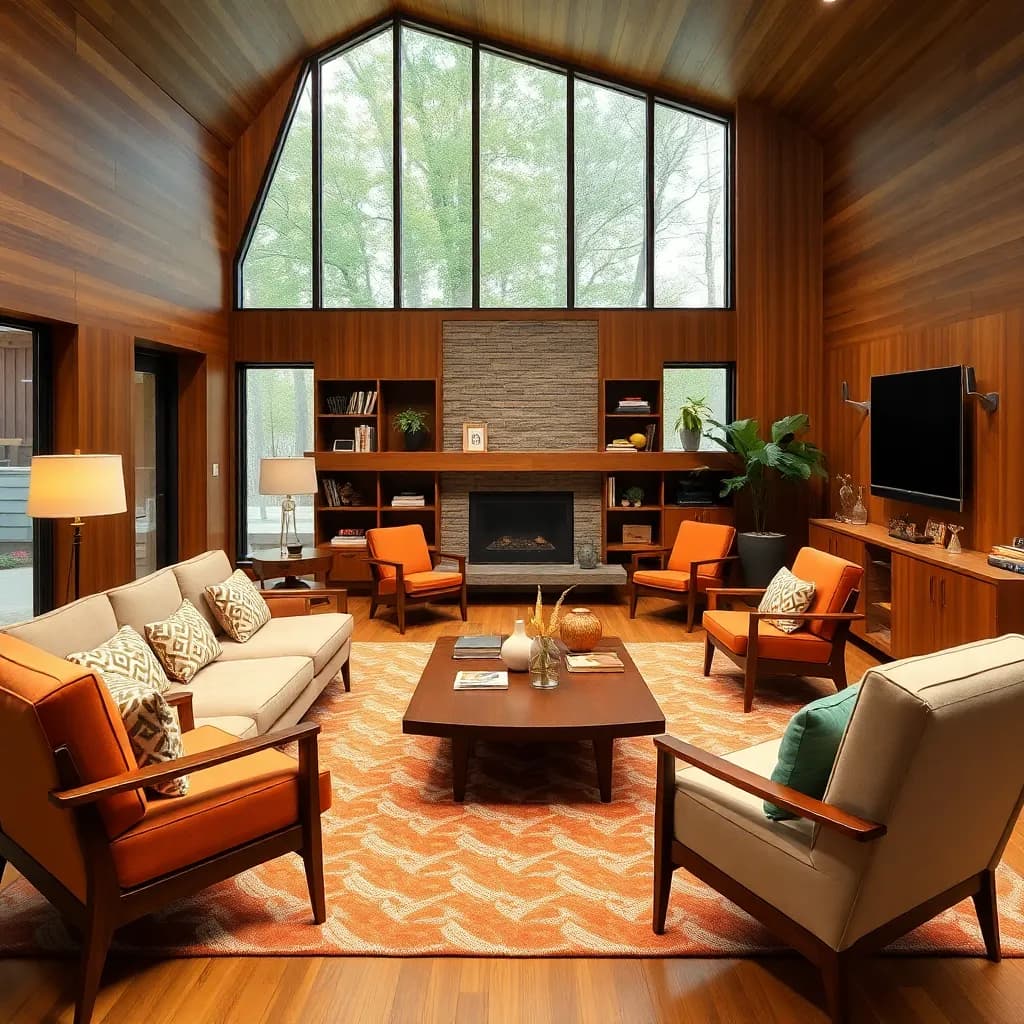
Mid-Century Modern
Retro charm with timeless appeal

Coastal
Breezy, relaxed seaside living
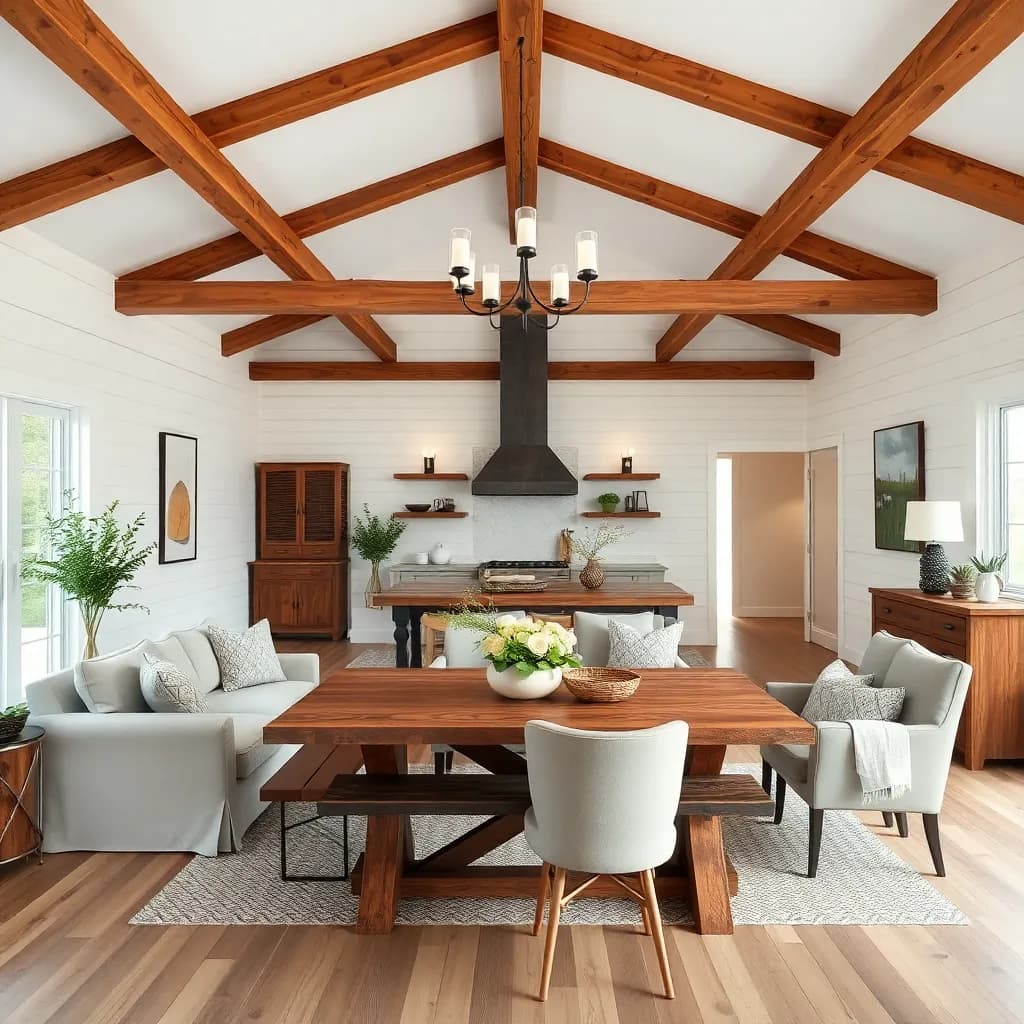
Farmhouse
Rustic warmth with modern comfort

Art Deco
Glamorous geometry and luxe finishes
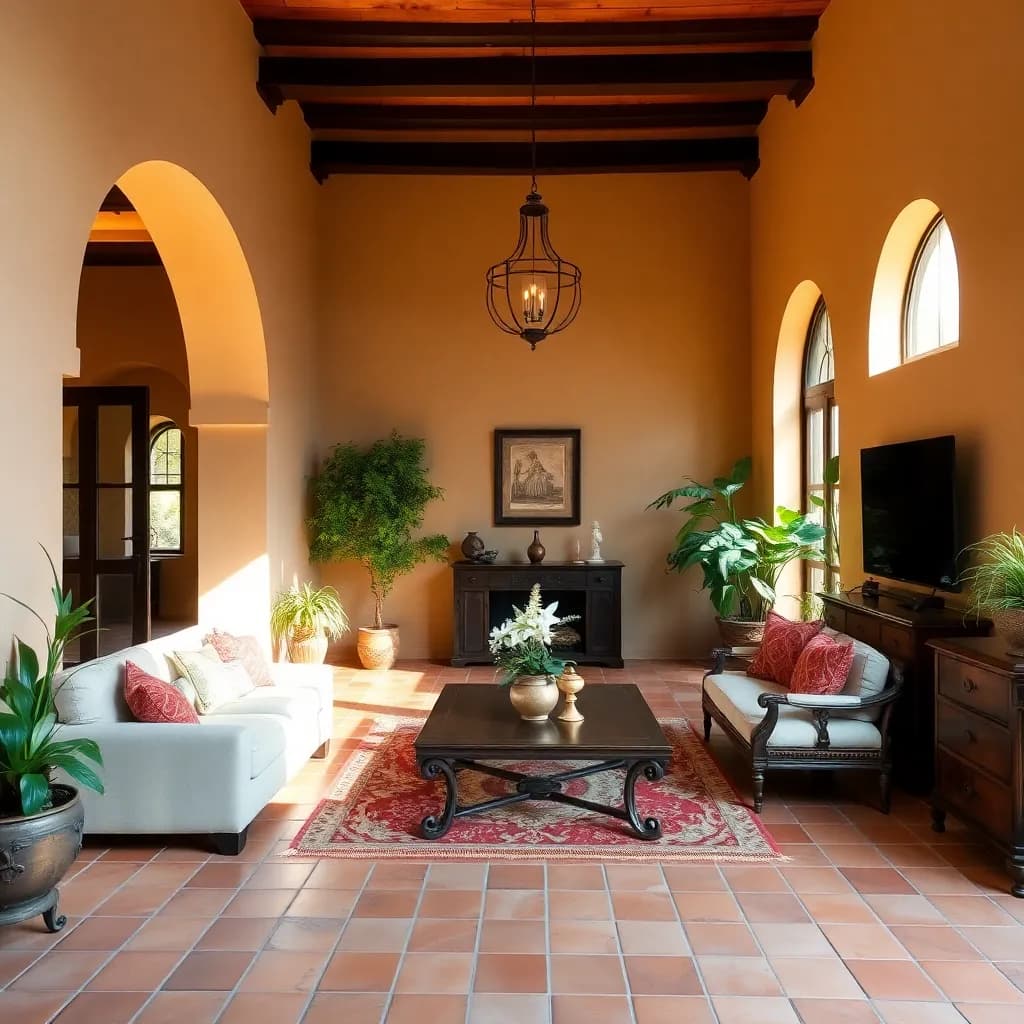
Mediterranean
Sun-soaked warmth with earthy textures
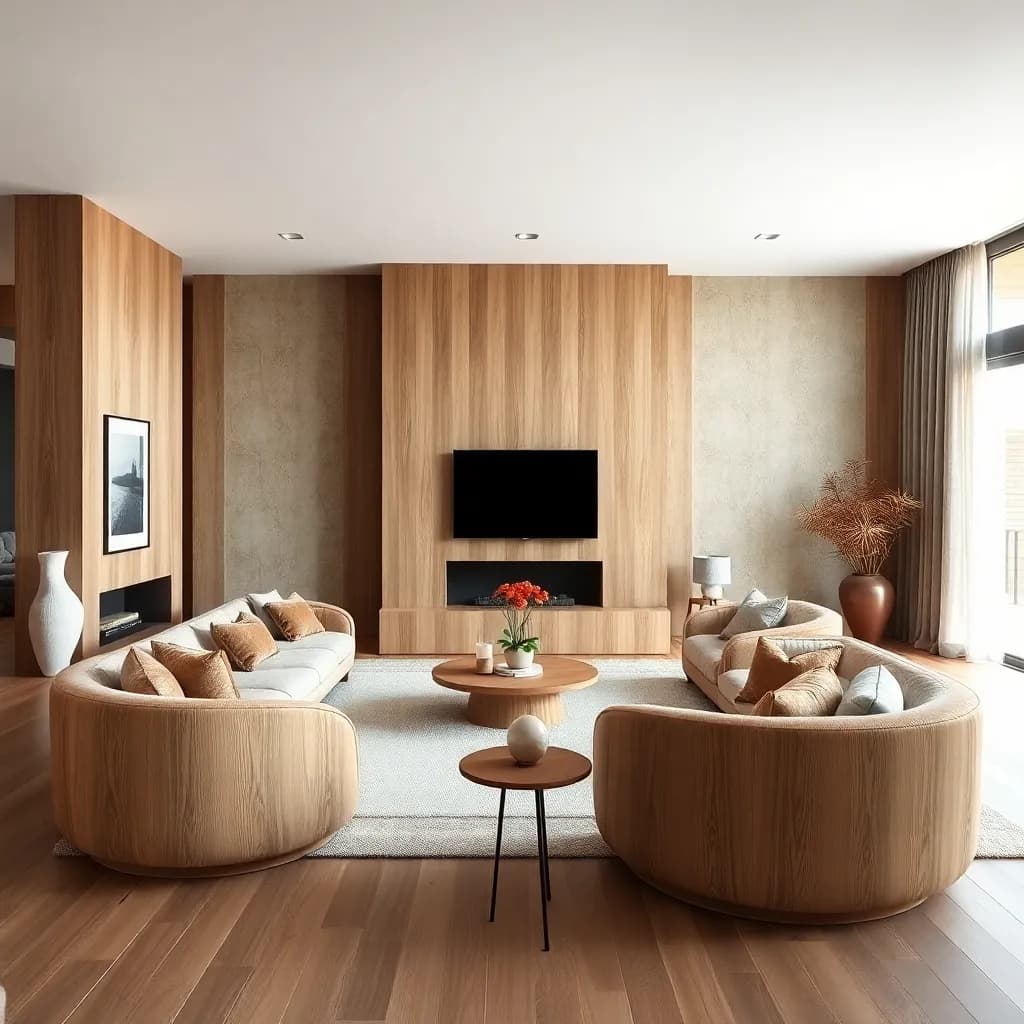
Organic Modern
Curved forms and natural materials
Powered by Advanced AI Design Models
Our AI interior design generator combines multiple cutting-edge models to deliver the most realistic room transformations available.
The Future of AI Interior Design
Finding the right look for your home used to require expensive consultations or hours of browsing without knowing how those items would look in your specific space. With DecorAI, you get a completely new way to interact with your home environment.
Our AI interior design engine uses advanced neural networks to respect the architectural geometry of your walls and windows while suggesting furniture, textures, and color palettes that match your desired mood. Whether you are planning a full renovation or just exploring ai design ideas, this app makes professional-quality room design accessible to everyone.

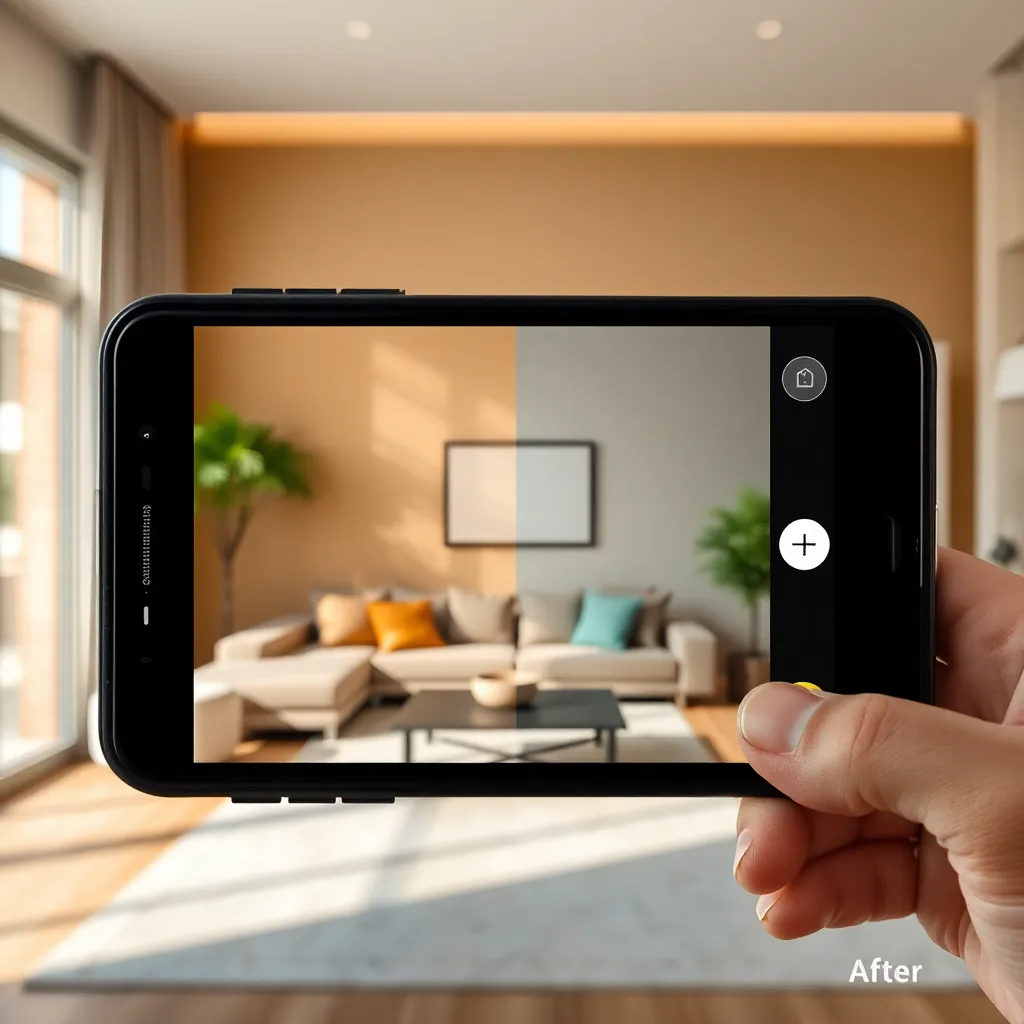
AI Room Design from a Single Photo
The core of our technology is the ability to create high-fidelity room designs from photo uploads. Simply capture a corner of your living room, and our AI identifies light sources to place realistic shadows and reflections on new surfaces.
Whether you are looking for a quick color swap or a total structural reimagining, our AI design generator free tool provides the most realistic visualization available today. The ai room design experience works for every room type including living rooms, kitchens, bedrooms, bathrooms, and outdoor spaces.
Your AI Renovation & Room Remodel Tool
Thinking about a renovation? An AI remodel is the safest way to experiment with bold ideas before committing. Test that dark accent wall or the oversized velvet sofa. DecorAI helps you avoid costly design mistakes by providing a photorealistic “try-before-you-buy” experience.
Our renovation AI feature is especially popular for kitchen remodels and bathroom makeovers. You can explore different materials, layouts, and color schemes using the ai remodeling app before spending a single dollar on contractors. Home decor AI has never been this practical.

Free AI Interior Design Generator: The Complete Guide
Looking for an AI design generator free tool that actually delivers? DecorAI is one of the most popular AI interior design apps available today, and it comes with a generous free tier that lets you explore room redesigns without spending a dime. Here is everything you need to know about getting started with free AI decoration.
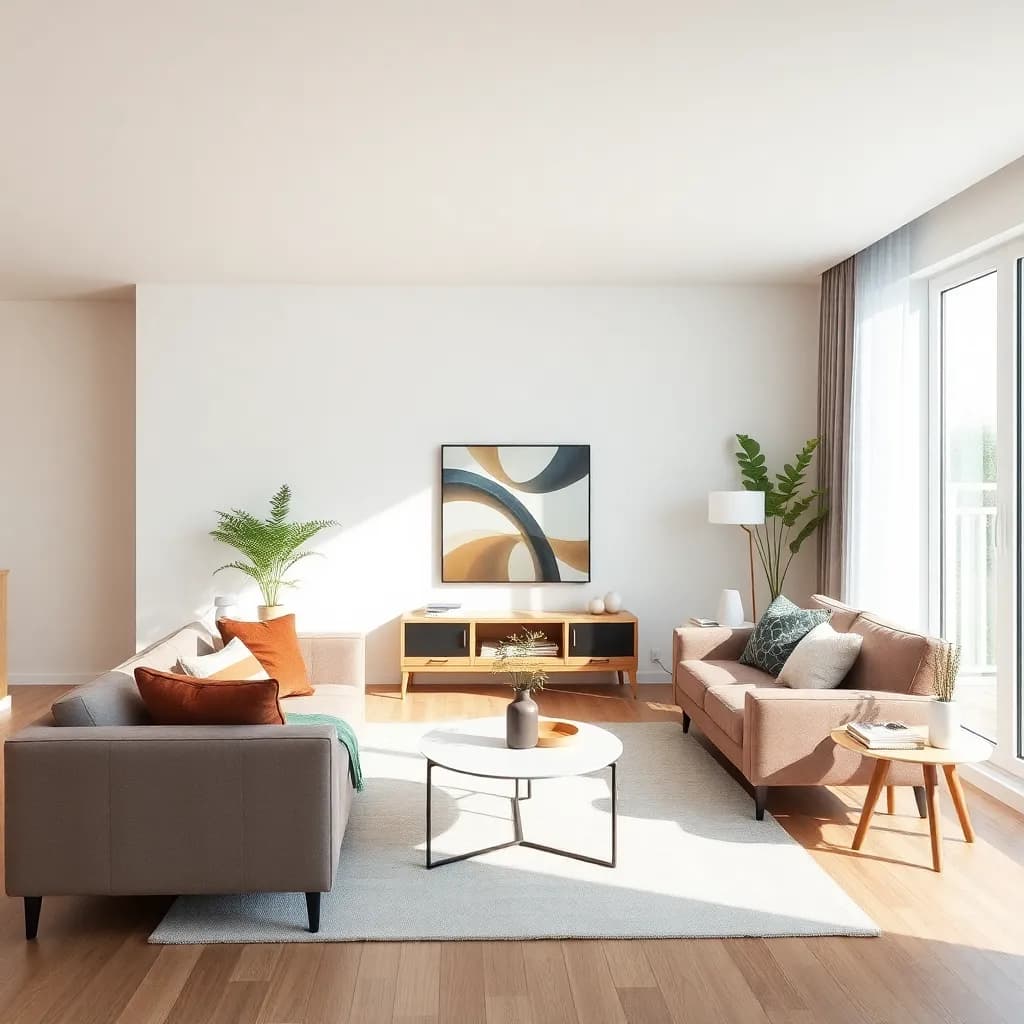
What You Get with the Free AI Decoration App
The free version of DecorAI gives you access to essential AI room design features that would have cost hundreds of dollars at a traditional interior design consultation just a few years ago. You can upload photos of any room in your home and receive AI-generated redesigns that show exactly how your space could look with different furniture arrangements, color schemes, and design styles.
With the free tier, you get access to popular styles like Modern, Scandinavian, and Minimalist. Each design is generated in approximately 30 seconds, giving you a realistic before-and-after visualization that you can save to your gallery and share with friends or family for feedback.
The AI interior design for free experience includes unlimited photo uploads, standard resolution outputs, and the ability to redesign living rooms, bedrooms, kitchens, and bathrooms. This makes it perfect for homeowners who want to explore possibilities before committing to a renovation or decorating project.
How to Get the Best Results from Free AI Room Design
Getting great results from a free AI design generator starts with the photo you upload. Take your photo during daylight hours when natural light fills the room. Stand in a corner to capture as much of the space as possible, and make sure the floor, walls, and ceiling are all visible. The AI uses these boundaries to understand your room geometry and create accurate redesigns.
Once your photo is uploaded, experiment with different styles. Many people are surprised to discover that a style they never considered — like Japandi or Industrial — actually looks amazing in their space. The beauty of a free AI decoration generator is that there is zero risk in exploring. You are not buying paint, furniture, or hiring contractors. You are simply seeing possibilities.
For the most realistic results, try to keep your room relatively tidy before snapping the photo. While our AI is smart enough to work around clutter, a cleaner starting point produces cleaner results. Remove temporary items like laundry baskets or pet toys for the clearest transformation.
Free AI Interior Design vs. Traditional Design Services
A single consultation with a professional interior designer typically costs between $150 and $500 per hour. A full room design package can easily run $2,000 to $5,000 or more. Most designers require an upfront retainer before showing you a single concept.
With a free AI interior design app like DecorAI, you get instant visual concepts at no cost. While AI-generated designs are not a replacement for detailed architectural plans, they serve a crucial purpose: they help you figure out what you actually want before you spend money on it. Think of it as a try-before-you-buy experience for your entire home.
Many homeowners use the free AI design generator as a starting point, then bring their favorite AI-generated concepts to a contractor or designer for professional execution. This saves time and money on both sides because you already know the direction you want to go.
When to Upgrade from Free to Premium AI Design
The free version of DecorAI is perfect for casual exploration and initial planning. If you are in the early stages of thinking about a renovation or just curious about how different styles would look in your home, free is all you need.
Premium becomes worthwhile when you are ready to get serious about a specific project. Premium subscribers get access to all 30+ design styles, high-resolution outputs suitable for sharing with contractors, exclusive styles updated weekly, and priority AI processing. The HD renders are particularly valuable when you want to zoom in on material details like wood grain, marble veining, or fabric textures.
Whether you stick with the free ai remodel tool or upgrade to premium, the core experience remains the same: upload a photo, pick a style, and see your room transformed in seconds. That simplicity is what makes AI interior design accessible to everyone, regardless of budget or design experience.
Ready to try the free AI interior design generator?
AI Living Room Design: Styles, Ideas & Inspiration
Your living room is where you spend the most time relaxing, entertaining, and making memories. It deserves a design that feels both beautiful and personal. With AI living room design, you can explore dozens of styles on your actual space before making a single change.
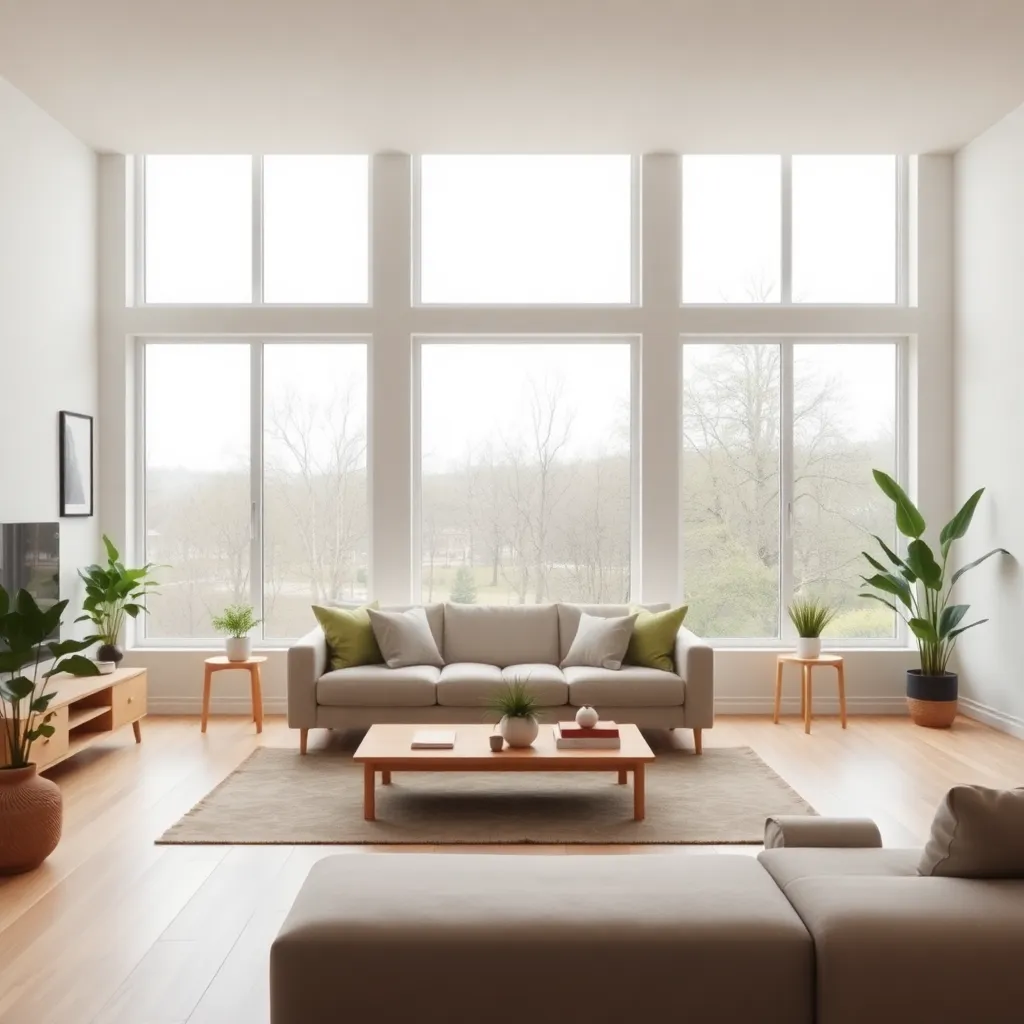
The Most Popular AI Living Room Design Styles
When people use DecorAI for their living room, certain styles consistently rise to the top. Modern and Japandi are by far the most requested, followed closely by Scandinavian and Bohemian. Each style brings a completely different energy to the same room, and seeing them side by side on your own space is the fastest way to discover what resonates with you.
Modern living room designs emphasize clean lines, neutral palettes, and statement furniture pieces. The AI handles this beautifully, replacing cluttered shelving with sleek built-ins and swapping heavy drapes for minimal window treatments. If your current living room feels dated, the modern style transformation is often the most dramatic.
Japandi — a blend of Japanese and Scandinavian design — has become the most popular style in our app. It combines the warm minimalism of Nordic design with the purposeful simplicity of Japanese aesthetics. Light wood tones, organic textures, and intentional negative space create rooms that feel both calm and welcoming. Our AI design living room tool excels at this style because it understands how to balance empty space with functional furniture.
For those who love color and texture, Bohemian living room designs add layered rugs, eclectic art, and a mix of vintage and modern pieces. The AI does something interesting here: it maintains the structure of your room while introducing that curated, collected-over-time look that is so hard to achieve from scratch.
Small Living Room AI Design Tips
If you have a small living room, AI interior design becomes even more valuable. Our tool understands spatial constraints and suggests furniture arrangements that maximize usable floor area without making the room feel cramped. Light colors, strategic mirror placement, and multi-functional furniture are all patterns the AI recommends for compact spaces.
One common mistake in small living rooms is pushing all furniture against the walls. The AI often suggests floating the sofa away from the wall to create a more intimate conversation area while using the space behind it for a slim console table or reading nook. These spatial insights come from training on thousands of professionally designed rooms.
Open-plan living rooms present their own challenges. Where does the living area end and the dining area begin? Our ai design living room feature handles open plans by suggesting visual boundaries through area rugs, lighting zones, and furniture groupings that define distinct spaces without physical walls.
Living Room Color Palettes Powered by AI
Color is the most impactful and least expensive way to transform a living room. Our AI room design tool generates designs with carefully curated color palettes that go beyond simple wall paint. Each generated design considers the relationship between wall colors, furniture upholstery, accent pillows, artwork, and even the color of your hardwood or tile flooring.
Currently trending palettes for living rooms include warm whites paired with sage green accents, soft terracotta with cream, and the classic combination of navy blue with brass hardware. The AI applies these palettes holistically so you can see how the complete room comes together, not just an isolated wall color.
For those who prefer a bolder approach, the AI can generate living room designs with dramatic dark walls, jewel-toned velvet furniture, or high-contrast black and white schemes. These designs look particularly stunning as before-and-after comparisons because the transformation is so visually dramatic.
How to Use AI Living Room Design for Furniture Shopping
One of the most practical uses of our AI living room design tool is furniture planning. Before you spend hours browsing furniture stores or scrolling through online catalogs, generate several AI designs for your room. This gives you a clear picture of what style, size, and color of furniture will work in your space.
Take your AI-generated design to the store as a reference image. Show it to sales associates and ask them to help you find pieces that match the style. Many of our users report that this approach cuts their furniture shopping time in half because they already know what they are looking for.
The room decor ai experience extends beyond just couches and tables. Our designs also suggest lighting fixtures, wall art arrangements, plant placement, and decorative accessories. These smaller details are often what makes a room feel truly designed rather than just furnished.
Transform your living room with AI design today
AI Kitchen Remodel & Bathroom Makeover: Plan Your Renovation
Kitchen and bathroom renovations are the biggest investments homeowners make — and the most stressful. An AI bathroom remodel and kitchen design tool lets you see the finished result before you tear out a single cabinet or tile.
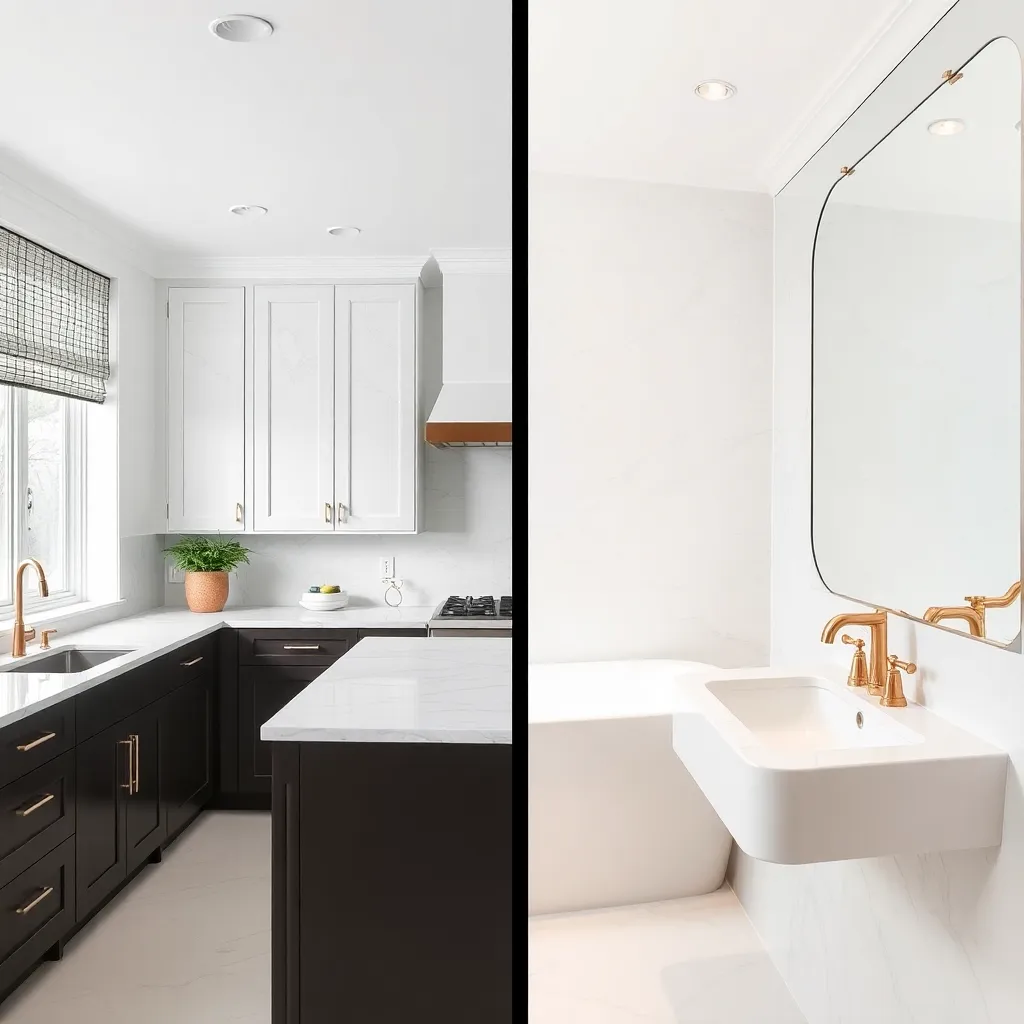
AI Design Kitchen: Visualize Before You Renovate
The average kitchen remodel costs between $15,000 and $50,000 depending on the scope. With numbers like that, making the wrong design choice is not just disappointing — it is expensive. That is where ai design kitchen tools become essential. Upload a photo of your current kitchen and see how it could look with new cabinets, countertops, backsplash tiles, and flooring before you commit.
Our AI understands kitchen-specific elements that generic design tools miss. It recognizes cabinet configurations, appliance placement, countertop surfaces, and backsplash areas. When you choose a new style, the AI replaces these elements realistically while maintaining proper proportions and spatial relationships.
Popular ai remodel kitchen styles include modern farmhouse with shaker cabinets and subway tile, sleek contemporary with flat-panel cabinets and quartz waterfall islands, and transitional designs that blend traditional warmth with modern functionality. The AI generates each variation with realistic material textures so you can see the difference between marble and quartzite, oak and walnut, brushed nickel and matte black hardware.
If you are working with a contractor, AI kitchen designs serve as excellent communication tools. Instead of trying to describe what you want verbally, you can show them a realistic visualization of your actual kitchen transformed into the style you are going for. This reduces miscommunication and helps get accurate quotes.
AI Bathroom Remodel: From Outdated to Spa-Like
Bathroom renovations may be smaller in square footage, but they are often more complex per square foot than any other room. Plumbing constraints, waterproofing requirements, and ventilation needs make bathrooms expensive to change. An AI bathroom remodel tool helps you explore options thoroughly before breaking ground.
With DecorAI, you can visualize your bathroom with different tile patterns — from large format porcelain to mosaic marble, herringbone to subway. The AI handles reflective surfaces like mirrors and glass shower doors with impressive accuracy, creating renders that show how light bounces around the space with different material choices.
Trending bathroom designs in 2026 include spa-inspired retreats with freestanding tubs and natural stone, minimalist wet rooms with linear drains and frameless glass, and bold statements with patterned cement tiles and colorful vanities. Our AI generates all of these with photorealistic quality on your actual bathroom photos.
The ai design bathroom feature is particularly useful for understanding scale. Will that double vanity actually fit? Does the freestanding tub leave enough room to walk around it? By placing these elements in your real bathroom photo, the AI gives you spatial answers that mood boards simply cannot provide.
Save Thousands on Kitchen & Bathroom Renovation Mistakes
The most common renovation regret homeowners report is choosing the wrong materials or colors. Dark countertops that looked elegant in the showroom overpower a small kitchen. The trendy tile pattern that seemed perfect on a sample board feels overwhelming across an entire bathroom wall.
AI renovation tools eliminate these surprises by showing materials in context, at scale, in your actual room. You see exactly how that dark granite looks against your cabinet color, how the pattern tile reads across your specific wall dimensions, and how the fixture finish coordinates with everything else.
Many DecorAI users report saving between $2,000 and $10,000 by catching design mistakes before construction begins. One user avoided ordering custom cabinets in the wrong shade of white by first testing the color in our AI tool. Another changed their bathroom tile selection three times in the app before landing on the pattern they actually loved.
Plan your kitchen or bathroom renovation with AI
Best AI Interior Design Tools & Software in 2026
The market for AI interior design tools has exploded over the past two years. With so many options available, choosing the right AI interior design software can feel overwhelming. Here is an honest look at what is available and what actually works.
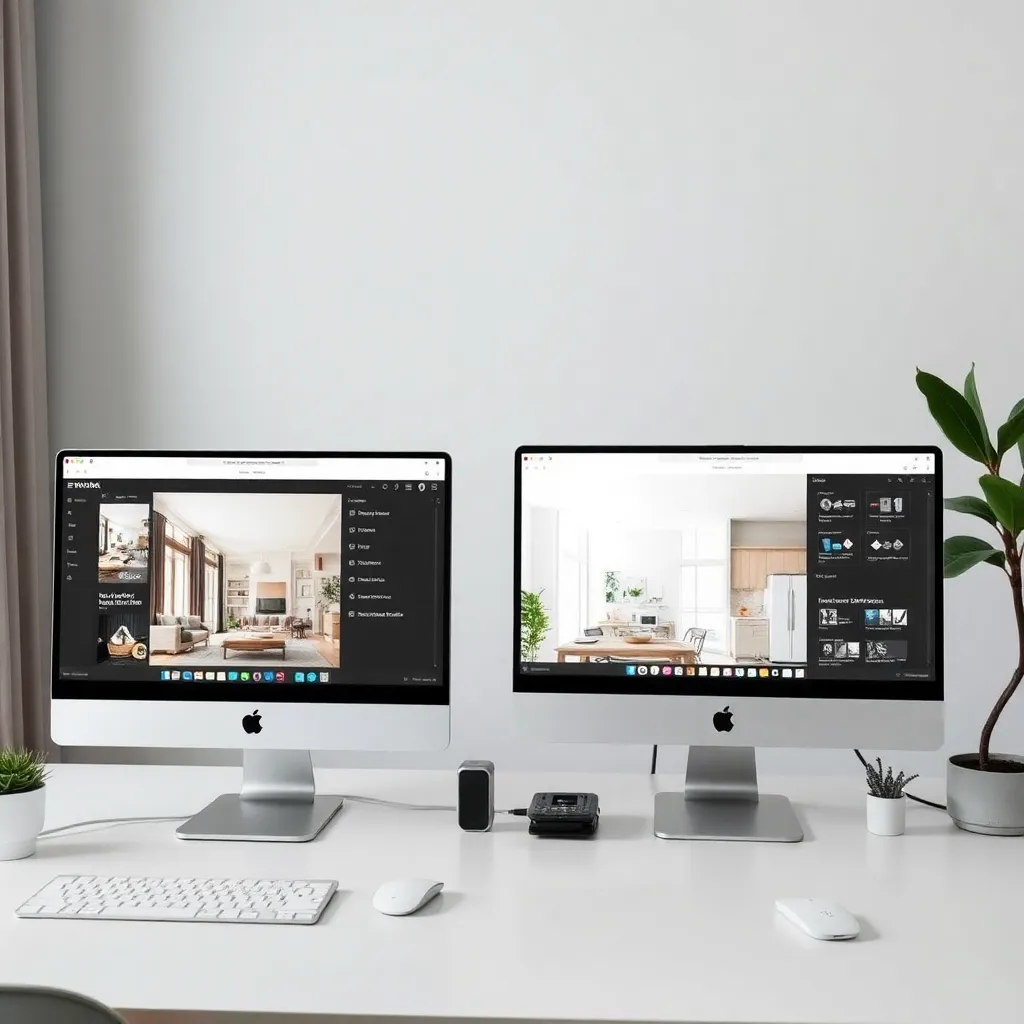
What to Look for in AI Interior Design Software
Not all AI interior design tools are created equal. The best tools share several key characteristics that separate genuinely useful apps from novelty filters. When evaluating AI design software, pay attention to output quality, style variety, processing speed, and how well the tool preserves your room structure.
Output quality matters most. The best AI interior design tools produce photorealistic results where furniture looks three-dimensional, lighting appears natural, and materials have realistic texture. Low-quality tools produce flat, painterly results that look obviously AI-generated and are not useful for actual planning.
Style variety is the second priority. A tool with five styles gets boring quickly. Look for apps that offer 20 or more distinct styles with regular updates. The design world moves fast, and your AI tool should keep up with emerging trends like warm minimalism, organic modern, and dark academia.
Processing speed affects your workflow. The best AI tool interior design experience feels interactive, not like submitting a job and waiting. Aim for tools that generate results in under a minute. DecorAI typically delivers results in about 30 seconds, which is fast enough to explore multiple styles in a single sitting.
Types of AI Interior Design Tools Available
AI interior design tools fall into three categories: photo-based redesign apps, text-to- image generators, and room planning software. Each serves a different purpose, and understanding the differences helps you pick the right tool for your needs.
Photo-based redesign apps like DecorAI are the most practical for homeowners. You upload a real photo of your room and the AI transforms it into a new style while preserving your room layout, dimensions, and architectural features. This approach gives you the most accurate preview of what changes would look like in your specific space.
Text-to-image generators like Midjourney can create beautiful room renders from text descriptions, but they generate generic rooms — not your room. These tools are better for inspiration and mood boarding than for actual renovation planning.
Room planning software like SketchUp or RoomSketcher focuses on floor plans and 3D models built from scratch. These tools are powerful but require significant time investment and technical skill. They are better suited for professionals than for homeowners looking for quick visual ideas.
Why DecorAI Stands Out Among AI Design Tools
DecorAI was built specifically for one purpose: transforming real room photos into professional-quality redesigns. While other tools try to be everything — mood board creators, floor planners, furniture catalogs — DecorAI focuses entirely on the photo-to- design experience and does it exceptionally well.
The app uses multiple AI models working together. Computer vision models analyze your room geometry and lighting. Generative models create the redesigned elements. Style- transfer models ensure consistency across the entire image. This multi-model approach produces results that look natural rather than filtered or pasted-on.
With 30+ interior design styles that are updated regularly, DecorAI covers everything from timeless classics like Mid-Century Modern and Coastal to current trends like Japandi and Organic Modern. The app also works across every room type including living rooms, bedrooms, kitchens, bathrooms, home offices, and outdoor spaces.
The free tier lets you explore without commitment, and the premium subscription unlocks HD exports and exclusive styles at a fraction of what a single design consultation would cost. For homeowners, renters, and design enthusiasts who want quick, realistic visualizations of their spaces, DecorAI represents the best ai interior design tools experience available on mobile.
Try the top-rated AI interior design tool free
AI Home Renovation App: Plan Your Remodel with Confidence
Home renovation is exciting and terrifying in equal measure. The excitement of a fresh space meets the fear of spending thousands on something that might not turn out right. An AI remodeling app changes this equation by letting you see the finished result before construction begins.

How AI Renovation Design Changes the Remodeling Process
Traditional renovation planning follows a frustrating pattern: you collect inspiration images from magazines and Pinterest, try to describe your vision to a contractor, get a quote based on verbal descriptions, and hope the final result matches what you imagined. The disconnect between vision and execution is where most renovation headaches begin.
AI renovation design tools flip this process. Instead of trying to describe what you want, you generate a visual of exactly what you want on your actual room. You can show contractors, partners, and family members a photorealistic render of the finished space. Everyone is literally on the same page before any work begins.
DecorAI users report that bringing AI-generated designs to contractor meetings results in more accurate quotes, fewer change orders during construction, and higher satisfaction with the final outcome. When the contractor can see exactly what you want, they can plan materials, labor, and timeline more precisely.
The Complete AI Remodeling Workflow
Here is how experienced renovators use AI home renovation apps as part of their planning process. Start by photographing every room you want to renovate from multiple angles. Upload each photo and generate designs in three to five different styles. This initial exploration phase helps you narrow down your aesthetic direction before investing any money.
Once you have found a style direction, use the AI to explore variations within that style. Try different color palettes on the same layout. See how the room looks with dark flooring versus light, warm-toned walls versus cool. This refinement phase is where AI renovation tools save the most money because each variation would cost thousands of dollars to test in real life.
Share your favorite three to five designs with everyone who has input on the project. Partners, family members, and roommates can review realistic renders instead of arguing over abstract paint chips and fabric swatches. Visual communication eliminates most of the arguments that slow renovation projects down.
Finally, bring your chosen design to contractors for bidding. A clear visual reference means contractors can provide more accurate quotes and are less likely to make assumptions that lead to costly surprises during construction. Many contractors now expect clients to bring reference images, and AI-generated renders of your actual space are the most useful reference you can provide.
Room-by-Room AI Renovation Planning
Different rooms present different renovation challenges, and AI handles each one with specialized knowledge. For living rooms, the AI focuses on layout optimization, lighting balance, and furniture scale. For kitchens, it understands cabinet configurations, countertop materials, and appliance placement. For bathrooms, it accounts for plumbing locations, waterproofing zones, and reflective surfaces.
Bedrooms benefit from AI renovation in unexpected ways. Beyond furniture and color changes, the AI can suggest optimal bed placement for natural light, recommend window treatments that balance privacy and brightness, and show how different headboard styles anchor the room design. Small changes here have outsized impact on daily comfort.
Home offices are the fastest-growing category in our ai remodel tool. With remote work becoming permanent for millions of people, the home office has evolved from a simple desk in a corner to a carefully designed workspace. AI helps visualize built-in shelving, optimal desk placement for video calls, and ambient lighting that reduces eye strain.
Outdoor spaces round out the renovation ai experience. Backyards, patios, decks, and front entrances all benefit from AI visualization. See how a pergola would look over your patio, how a new deck material coordinates with your home exterior, or how landscaping changes transform your curb appeal.
Start planning your renovation with AI today
AI Exterior & Backyard Design: Transform Your Outdoor Space
Your outdoor spaces are an extension of your home, and they deserve just as much design attention as your living room or kitchen. AI design exterior and backyard tools make it easy to visualize landscaping changes, patio upgrades, and curb appeal improvements before you start digging or building.

AI Design Backyard: Outdoor Living Made Simple
Backyard design has traditionally required landscape architects, 3D modeling software, and weeks of back-and-forth revisions. An ai design backyard tool compresses this entire process into minutes. Snap a photo of your current backyard and see it transformed with outdoor kitchens, fire pits, pergolas, and lush landscaping.
The AI understands outdoor-specific elements that interior design tools miss. It accounts for natural vegetation, sky and cloud coverage, shadows cast by structures, and the relationship between built elements and plant life. The result is backyard renders that look natural rather than like furniture was digitally dropped onto a lawn.
Popular backyard transformations include creating defined outdoor rooms with seating areas and dining spaces, adding water features, installing modern deck or patio surfaces, and creating privacy screening with strategic plantings. Each of these can be visualized on your actual backyard photo before you invest in materials or labor.
AI Design Exterior: Boost Your Curb Appeal
First impressions matter, especially if you are selling your home. The exterior is the first thing visitors, neighbors, and potential buyers see. AI exterior design tools help you test different paint colors, siding materials, roofing options, and front door styles without any commitment.
The ai house remodel exterior free feature in DecorAI is particularly useful for major decisions like siding replacement or exterior paint colors. Seeing your actual house in a new color — not a generic house, but YOUR house — prevents the common mistake of choosing a color that looks great on a sample but clashes with your roof, landscaping, or neighborhood aesthetic.
Front porch and entryway updates deliver the highest return on investment for exterior improvements. Our AI can show you how a new front door, updated lighting fixtures, refreshed planters, and a repainted porch transform the entire feel of your home entrance. These changes often cost under $1,000 but create a dramatically better first impression.
For real estate sellers, AI exterior visualization is becoming a standard tool. Virtual exterior staging shows buyers the potential of a property that might look tired in current photos. List your home with both current photos and AI-enhanced renders showing how the exterior could look with modest improvements. This approach has been shown to increase listing interest by presenting the full potential of the property.
Seasonal Outdoor Design with AI
Outdoor spaces change dramatically with the seasons, and AI design tools can help you plan for year-round enjoyment. Visualize your patio with a cozy winter setup featuring an outdoor heater and thick throw blankets. See how your garden looks with spring blooms in carefully planned beds. Test summer entertaining layouts with dining tables and shade structures.
Holiday decorating is another creative use of outdoor AI design. See how your home exterior looks with different lighting schemes, seasonal wreaths, and decorative elements before you invest in decorations. This is especially helpful for homeowners who want to create memorable seasonal displays without trial-and-error purchasing.
Landscaping changes take months or even years to mature, making them particularly difficult to visualize in advance. AI exterior design bridges this gap by showing how plantings will look once established. Choose between low-maintenance drought-resistant landscaping, lush cottage gardens, formal hedging, or naturalistic meadow plantings — and see the mature result on your property today.
Design your dream outdoor space with AI
What Our Home Decor AI Users Say
“I couldn't believe how realistic the renders were. It correctly identified the lighting from my window and suggested furniture that actually fits.”
“Saved me thousands in staging costs for my listings. The AI staging looks better than real furniture arrangements.”
“The Japandi style is perfect. It helped me find the exact shade of wood for my new floors before I bought a single plank.”
AI Interior Design App – FAQ
Is there an AI interior design app I can use for free?
Yes! DecorAI is an AI interior design app that lets you upload a photo of your room and instantly generate realistic before & after designs. The free version includes standard styles and room types. Premium styles and high-resolution renders are available with a subscription.
How does AI interior design work?
DecorAI uses advanced deep learning models to analyze the spatial geometry, depth, and lighting of your photo. It then generates realistic interior designs by overlaying high-quality textures, furniture, and decor that match your chosen style. The entire AI room design process takes about 30 seconds.
Can I redesign my room from a photo?
Absolutely. Simply snap a photo of any room with your smartphone and upload it. Our AI interior design generator analyzes the space and creates a stunning redesign. Works with living rooms, bedrooms, kitchens, bathrooms, home offices, and even outdoor spaces.
What rooms can I design with this AI decoration app?
You can redesign any room in your home including living rooms, bedrooms, kitchens, bathrooms, dining rooms, home offices, nurseries, backyards, and more. Each room type has specialized AI models for the most realistic results.
Do I need design experience to use this room design app?
Not at all. Our AI interior design tools handle all the heavy lifting. You just pick a room, choose a style like modern, Scandinavian, or bohemian, and the AI generates a professional redesign. No design experience needed.
Is DecorAI available for iPhone and Android?
Yes, DecorAI is available as a free download on the Apple App Store for iPhone and iPad, and on Google Play for Android devices. It works on any modern smartphone with a camera.
How is this different from Pinterest or mood boards?
Unlike Pinterest, DecorAI shows you exactly how a design looks in YOUR actual room. Our AI renovation tool uses your real photo to create realistic before-and-after transformations, not generic inspiration images.

Download the AI Decoration App Today
Join 500,000+ users who are designing their dream homes with the power of AI interior design. Free to download on iPhone and Android.